

Description
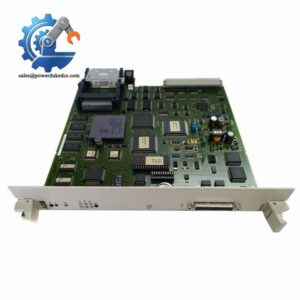
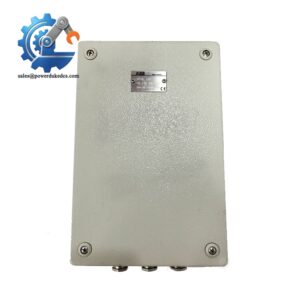
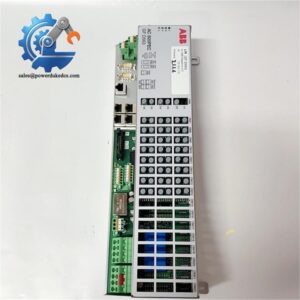
- ABB DO810 3BSE008510R1 | Field Digital Output Card Suitable for Process Automation Sites
Product Core Brief
- Model: DO810 3BSE008510R1
- Brand: ABB
- Series: S800 I/O Series (AC800M DCS System)
- Core Function: Deliver digital switching signals to field actuators and solenoid valves
- Type: Digital Output Module
- Key Specs: 8 output channels; 24 VDC sinking type; Galvanic group isolation
Condition: New Surplus, non-refurbished
⚠️ Original production discontinued by ABB, limited available inventory
Product Introduction
Key Technical Specifications
| Parameter | Specification |
|---|---|
| Part Number | DO810 3BSE008510R1 |
| Product Family | S800 I/O |
| Channel Count | 8 digital outputs |
| Output Type | Sinking (Current Sink) |
| Rated Load Voltage | 24 V DC |
| Maximum Load Current per Channel | 0.5 A |
| Isolation Mode | Group-wise galvanic isolation (4+4 channels) |
| Operating Temperature | -20 ℃ ~ +60 ℃ |
| Protection Class | IP20, cabinet mounting only |
| Backplane Bus | S800 Module Bus |
| Dimension (W×H×D) | 25 mm × 125 mm × 130 mm |
| Mounting | DIN rail installation inside control cabinet |
| LED Indicator | Separate status LED for each channel |
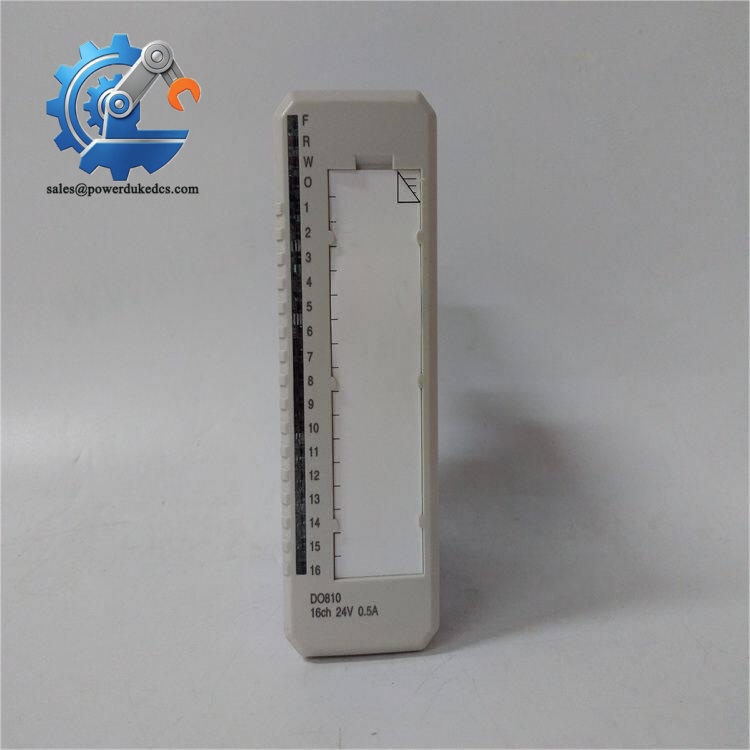
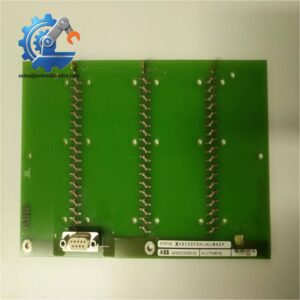
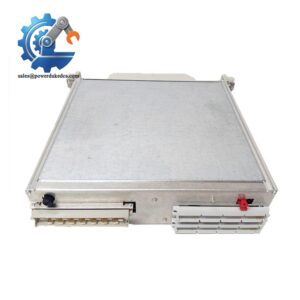
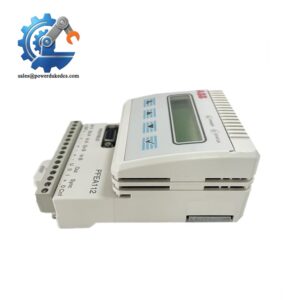
ABB DO810 3BSE008510R1
Installation & Configuration Guide
Phase 1: Pre-Installation (Estimated 10 min)
- Confirm relevant process loops can be set to safe status before shutdown
- Cut off power supply for the S800 I/O rack
- Allow 3–5 minutes for circuit capacitors to discharge
- ESD protection is mandatory for handling all I/O modules
- ESD wrist strap and anti-static mat
- PH0 cross screwdriver
- Digital multimeter
- Mobile phone for capturing original wiring layout
- Export controller hardware configuration from Control Builder M
- Take clear photos of existing terminal wiring and module position
- Record channel allocation mapping for field equipment
Phase 2: Old Module Removal (Estimated 10 min)
- Locate the target DO810 module on the DIN rail I/O rack
- Unlock the terminal unit front cover
- Disconnect each field wire one by one, mark cable numbers
- Release the module locking clip on the bottom side
- Pull the module straight out from the backplane connector
- Inspect backplane pins for oxidation, bending or contamination
Phase 3: New Module Installation (Estimated 12 min)
- Wear ESD wrist strap before unpacking the DO810 3BSE008510R1
- Complete visual inspection to check PCB damage or loose components
- Insert module horizontally into the vacant rack slot
- Push firmly until the locking clip clicks into place
- Match field wiring strictly according to photographed records
- Close terminal unit cover after all wiring finishes
[ ] Module fully locked onto backplane
[ ] All wiring terminals tightened securely
[ ] No loose wire strands creating short-circuit risk
[ ] Unused channels insulated properly
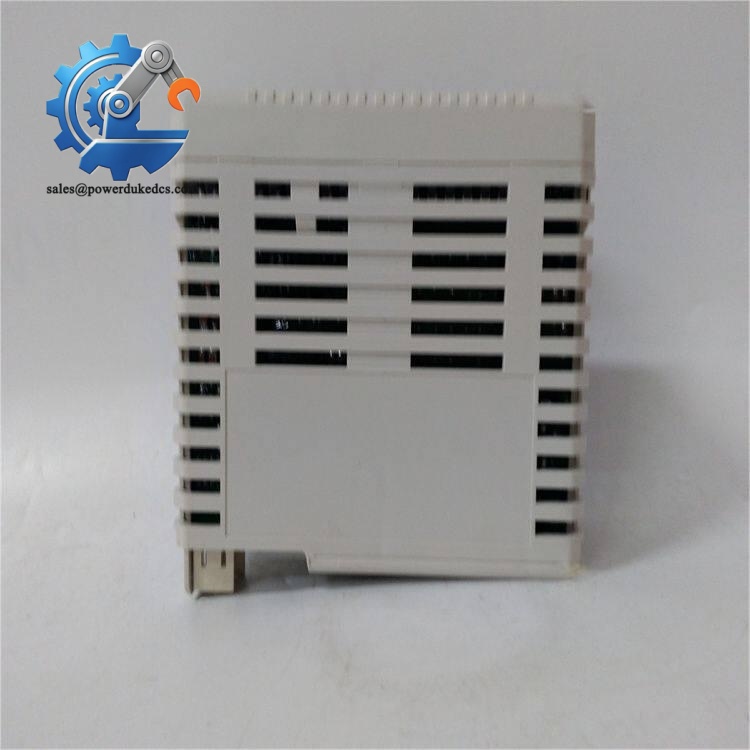
ABB DO810 3BSE008510R1
Phase 4: Power-On & Commissioning (Estimated 18 min)
- Restore power to S800 I/O rack
- Check module power LED, confirm steady green status
- Connect Control Builder M to scan hardware
- Verify the system identifies DO810 3BSE008510R1 correctly
- Download hardware configuration if needed
- Force each output channel one by one, check field device response
- Run continuous test for 30 minutes to confirm stable operation
- No channel response: Check field 24 VDC supply and polarity
- Channel LED on but actuator inactive: Inspect broken field cables or burned loads
- Module communication lost: Re-seat module and check backplane condition
Frequently Asked Questions (FAQ)
-
Can DO810 3BSE008510R1 replace other ABB digital output modules directly?
Not universally. DO810 is sinking output type. DO820 uses sourcing output. Direct swap without checking load wiring polarity will cause field devices to fail triggering. Always confirm load requirements first.
-
Is hot swapping available on S800 I/O DO810?
S800 I/O supports limited hot swap, but it is not recommended during running production. Removing the module online will cut all 8 output channels instantly and trigger process interlocks. Plan maintenance during scheduled downtime.
-
Which controllers support DO810 3BSE008510R1?
It works with AC800M series controllers and relies on S800 I/O communication interfaces CI801/CI840. It cannot operate independently without matching communication modules.
-
What loads can be connected to DO810 channels?
Suitable for 24 VDC small loads: solenoid valves, cabinet indicator lamps, auxiliary relay coils. Avoid directly driving large contactors; use intermediate relays for high-current loads.
-
What causes frequent DO810 channel burnout?
The most common factor is inductive load reverse electromotive force. Add freewheeling diodes parallel to relay coils to absorb surge voltage and protect output circuits.
-
What warranty terms apply to this DO810 module?
We provide 12-month warranty under standard industrial operating conditions. Damage induced by wrong wiring, overvoltage, ESD or overload voids warranty coverage.
-
Can I mix different I/O module types within one S800 I/O rack?
Yes. S800 racks support mixed analog and digital input/output modules. Keep power consumption of the whole rack within the backplane power supply limit to avoid unstable operation.



 Start Chat


