

Description
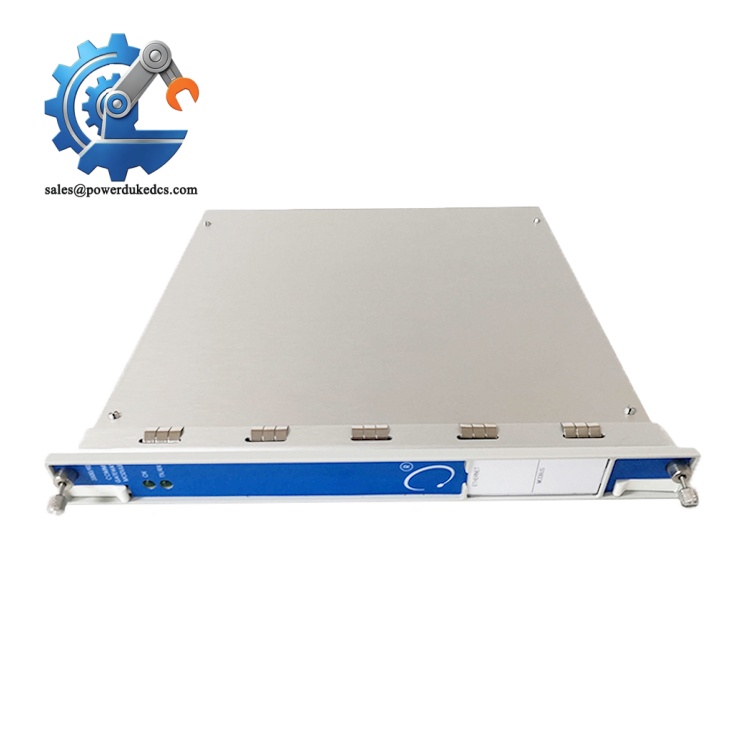
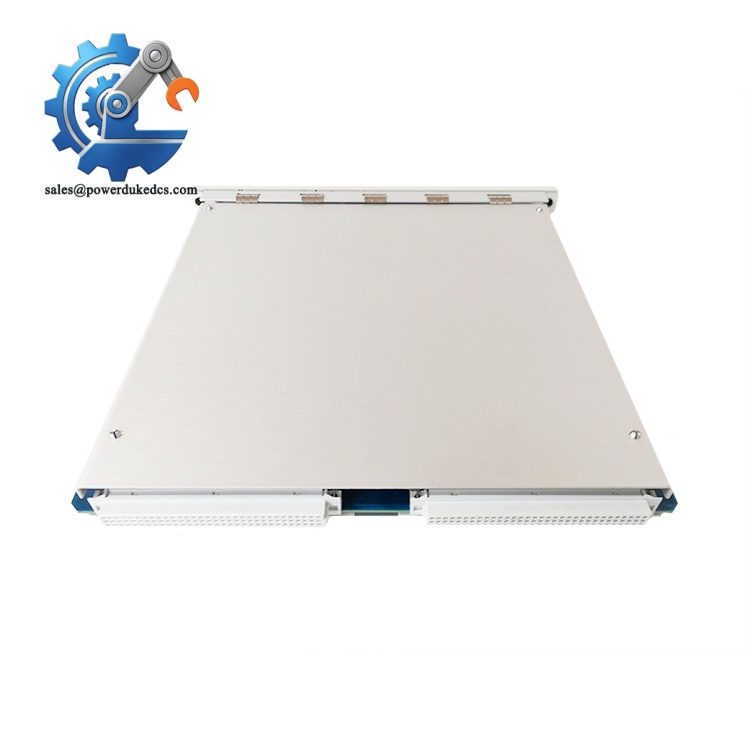
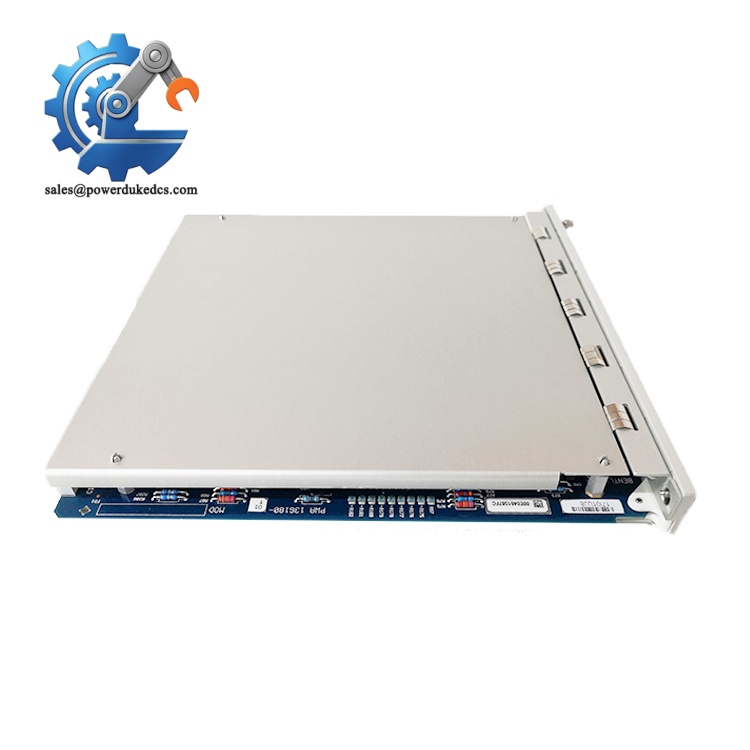
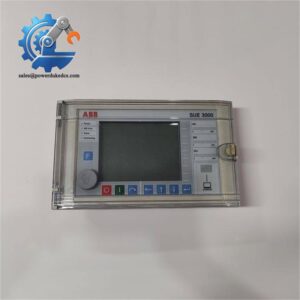
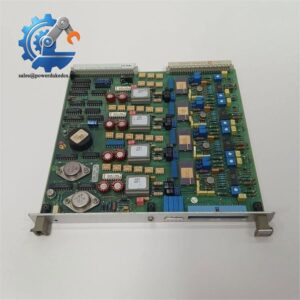
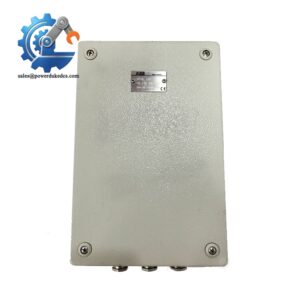
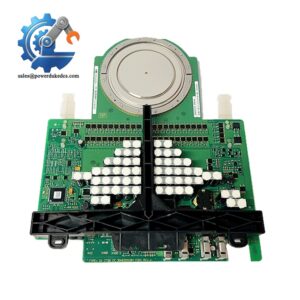
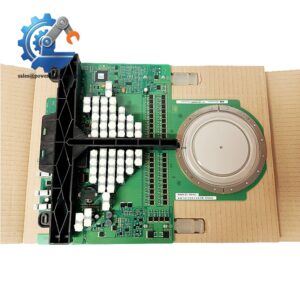
- Bently Nevada 3500/94 145988-01 | On-Site Data Viewing Unit For Turbine & Compressor Protection
Product Core Brief
- Model: 3500/94, PWA 145988-01
- Brand: Bently Nevada (Baker Hughes)
- Series: 3500 Machinery Protection & Condition Monitoring System
- Core Function: Deliver local visual monitoring and operator interaction via external VGA touchscreen for the 3500 rack
- Type: VGA Display Interface Module
- Key Specs: Max 4.6 W power draw, VGA output, maximum 8 m monitor cable length, rack-mount half-height card
- Condition: New Surplus, non-refurbished ⚠️ Manufacturer discontinued production, limited remaining stock for plant retrofit
Product Introduction
When central control room communication fails, on-site operators still require direct visibility of turbine vibration, thrust and temperature readings. The Bently Nevada 3500/94 145988-01 works as a dedicated local display interface inside the 3500 rack. It retrieves all channel measurements, alarm status and trip logic data from the rack backplane and outputs video signal to a compatible VGA touch monitor.
This half-height module eliminates reliance solely on remote SCADA for field inspection. Operators can acknowledge alarms, view trend snapshots and check configuration without connecting a laptop to the rack. Thousands of these units run in refineries and power plants on steam turbine packages. One critical detail: total cable run between module and touchscreen cannot exceed 8 meters, otherwise signal distortion creates unstable display refresh.
Key Technical Specifications
| Parameter Item | Technical Value |
|---|---|
| Module Designation | 3500/94 |
| PWA Number | 145988-01 |
| Form Factor | Half-height slot for 3500 rack |
| Video Interface | Standard VGA output for color touchscreen monitor |
| Maximum Cable Distance | 8 m between module and display unit |
| Typical Power Consumption | ≤ 4.6 W |
| Operating Temperature Range | -20 °C to +65 °C (operating) |
| Storage Temperature | -45 °C to +85 °C |
| Supported Function | Real-time channel values, alarm indication, trip status, local alarm reset |
| System Compatibility | All standard 3500 series machinery protection racks |
| Enclosure Rating | IP20 for rack internal installation |
| Mounting | Direct insertion into 3500 rack backplane |
Bently Nevada 3500/94 145988-01
Installation & Configuration Guide
Stage 1: Pre-Installation Preparation (10 Minutes)
⚠️ Safety Priority Notify process team of planned rack modification. Confirm critical rotating machinery is in stable operating state. If machine is running, verify protection trip logic remains active during module swap. Cut control power to the rack only if operational rules permit full shutdown.
Tool Preparation ESD wrist strap and anti-static mat, PH1 screwdriver, Fluke multimeter, label tape, mobile phone for recording slot position and cabling layout.
Backup & Recording Save complete rack configuration using 3500 Rack Configuration Software. Photograph existing slot arrangement and VGA cable routing before disconnecting wiring.
Stage 2: Old Module Removal (10 Minutes)
- Disconnect VGA signal cable from the front connector of the 3500/94 module.
- Unlock front retaining latch, slide the module steadily outward from rack backplane. Do not pull abruptly to avoid bending backplane pins.
- Inspect backplane slot contacts for oxidation or bent pins. Clear accumulated dust with dry compressed air.
⚠️ Note: Write down the exact slot number; incorrect slot placement may affect rack internal data scheduling.
Stage 3: New Module Installation (12 Minutes)
- Wear ESD protection before removing 3500/94 145988-01 out of anti-static packaging.
- Match slot position exactly to the module being replaced. Align circuit board with rack guides.
- Insert the module fully and lock the front latch until secure.
- Reconnect VGA cable. Confirm total cable length stays under 8 meters to prevent video flicker.
Self-Check List Target slot position confirmed ✅ | Module fully latched into rack ✅ | VGA cable securely connected ✅ | Cable length within 8 m limit ✅
Bently Nevada 3500/94 145988-01
Stage 4: Power-On & Functional Testing (18 Minutes)
Check rack power terminals for short circuits before energizing.
- Restore rack power and watch module status LED. Allow up to 90 seconds for rack full initialization.
- Power on external VGA touchscreen monitor. Confirm video output appears normally.
- Navigate through local menu screens, verify vibration, gap and temperature channel data update continuously.
- Trigger a test alarm and confirm alarm message appears on local display, test alarm acknowledge function.
- Maintain continuous operation for 30 minutes. Watch for screen freeze or signal dropout. Record module serial number and replacement date to maintenance log.
⚠️ Common commissioning trap: Long unshielded VGA cables cause screen flickering in high EMI environments near large motors.
Bently Nevada 3500/94 145988-01
Frequently Asked Questions (FAQ)
1. Can 3500/94 145988-01 be hot swapped while the 3500 rack remains energized? This module supports hot-swap hardware design. Even so, most site operating procedures require prior risk assessment. Removing the display module does not impact machinery protection functions, only removes local visual monitoring capability.
2. Does this module work with any generic VGA monitor, or require Bently dedicated touchscreen? It can drive standard VGA displays, yet touch control functions only operate with matched Bently touchscreen monitors. Ordinary non-touch VGA screens show data but block local operator input and alarm reset.
3. What happens if the VGA cable exceeds the 8-meter specified limit? Video signal degradation occurs gradually. Operators observe flickering screen, delayed refresh or occasional screen blackouts. Signal amplifiers are not officially supported by Bently for this module.
4. Is the 3500/94 a communication gateway module? No. Many buyers confuse it with 3500/92 or 3500/93 gateway cards. The 3500/94 is purely a local display interface; it provides no Modbus TCP or serial external communication.
5. What warranty coverage do you provide for this unit? We offer a 12-month warranty. Every module completes rack bench testing and video output verification before shipment. Test photos can be shared on request. Damage caused by over-length cabling, ESD shock or incompatible monitors is excluded.
6. Can multiple 3500/94 modules be installed in a single 3500 rack? Official documentation allows only one 3500/94 display module per rack. Adding a second unit triggers rack resource conflicts and unstable data refresh across all monitoring channels.
If required, I can append the complete incoming QC inspection workflow after FAQ for your product webpage.



 Start Chat


