

Description
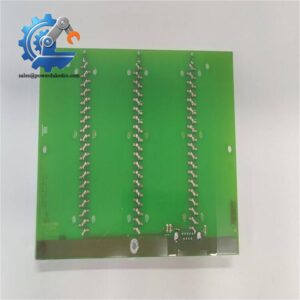
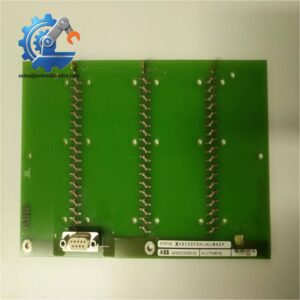
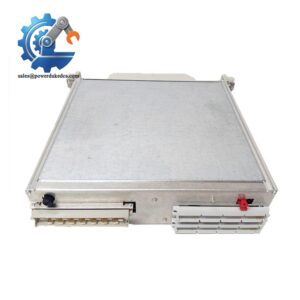
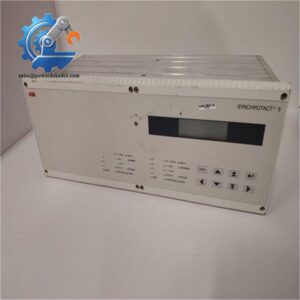
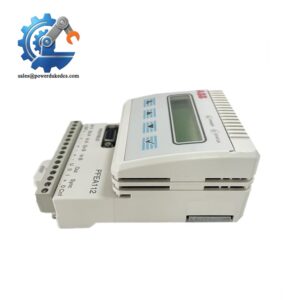
ABB 500BIO01 1MRB150005R1J Binary I/O Module Full Product Page
Product Core Brief
- Model: 500BIO01 / 1MRB150005R1J
- Brand: ABB
- Series: BIO01 Industrial I/O Series
- Core Function: Collects binary field signals and outputs switch control commands for automated production lines
- Type: Binary Input/Output Module
- Key Specs: 9-channel digital input, 9-channel digital output, 24V DC power supply, 0.36 kg net weight
- Condition: New Original, non-refurbished
This module integrates 9 digital input and 9 digital output channels in a compact body. It delivers stable signal transmission with a long-term operating MTBF exceeding 50,000 hours. Unlike split I/O modules that occupy more cabinet space, its all-in-one design reduces wiring complexity and cabinet installation costs. It maintains stable operation in conventional industrial temperature environments and adapts to most factory automation and process control working conditions. This model is a mature mass-produced component with years of on-site verification in petrochemical, machinery manufacturing and water treatment industries.
Key Technical Specifications
| Parameter Item | Technical Data |
|---|---|
| Full Model Number | 500BIO01, 1MRB150005R1J |
| Product Alias | BIO01 Binary I/O Module |
| Input Channel Quantity | 9 Channels Binary Input (9BI) |
| Output Channel Quantity | 9 Channels Binary Output (9BO) |
| Operating Voltage | 24V DC Standard Industrial Power Supply |
| Gross Weight | 0.36 kg |
| Manufacturing Origin | Poland |
| Customization Property | Standard Off-the-shelf Product, No Customization Required |
| Minimum Order Quantity | 1 Piece |
| Applicable Standard | Compliant with EN 60204-1 Industrial Electrical Safety Standard |
| Application Scenarios | Factory Automation, Process Control, Mechanical Equipment Control |
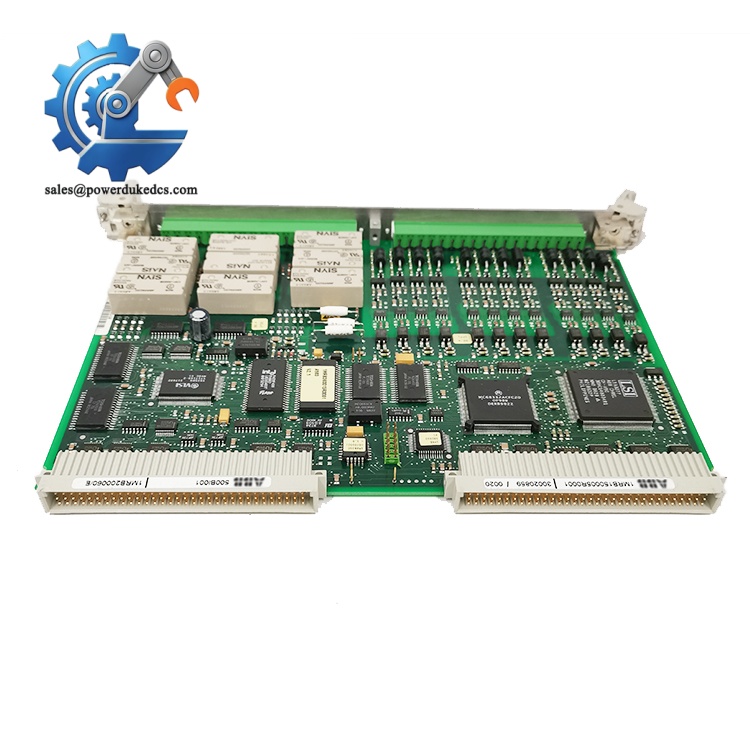
ABB 500BIO01 1MRB150005R1J
Installation & Configuration Guide
Stage 1: Pre-Installation Preparation (10 Minutes)
⚠️ Safety Priority
Notify the production team of scheduled downtime, and switch all on-site equipment to a safe standby state. Turn off the control system main power and UPS power supply, then wait 5 minutes for internal capacitors to fully discharge to avoid electric shock damage.
Tools to Prepare
ESD anti-static wristband and mat, PH1 cross screwdriver, Fluke 115 multimeter, label marker, mobile phone for configuration recording.
Data Backup Work
Export the current system running program to USB flash drive and cloud storage. Take clear photos of the original module’s terminal wiring status and DIP switch positions. This avoids configuration loss during replacement.
Stage 2: Old Module Removal (10 Minutes)
1. Remove the module front protective cover by gently pressing the side buckles.
2. Mark each cable terminal number with labels, then unscrew the terminal screws counterclockwise and pull out the cables slowly. Do not pull hard to prevent terminal pin damage.
3. Press the DIN rail bottom buckle with a flat screwdriver, vertically pull out the old module from the backplane connector.
4. Check the backplane pins for bending or dust accumulation. Clean floating dust with compressed air if needed.
Stage 3: New Module Installation (15 Minutes)
1. Wear anti-static equipment before taking the new ABB 500BIO01 module out of the electrostatic bag.
2. Verify the full model 1MRB150005R1J matches the replacement requirement to avoid model mismatch.
3. Key Configuration Reproduction: Restore DIP switch and terminal resistor settings strictly according to the old module photos. Adjust 120Ω terminal resistor to ON only for bus end nodes.
4. Align the module with the backplane anti-reverse interface, press vertically until the buckle clicks into place, and confirm the module is flush with adjacent modules.
5. Restore all cables one by one, tighten terminal screws with moderate force (about 0.5 N·m), and tug slightly to confirm firm connection.
Self-Check List
DIP switch settings correct ✅ | All cables connected ✅ | Module locked in place ✅ | No tools left in cabinet ✅
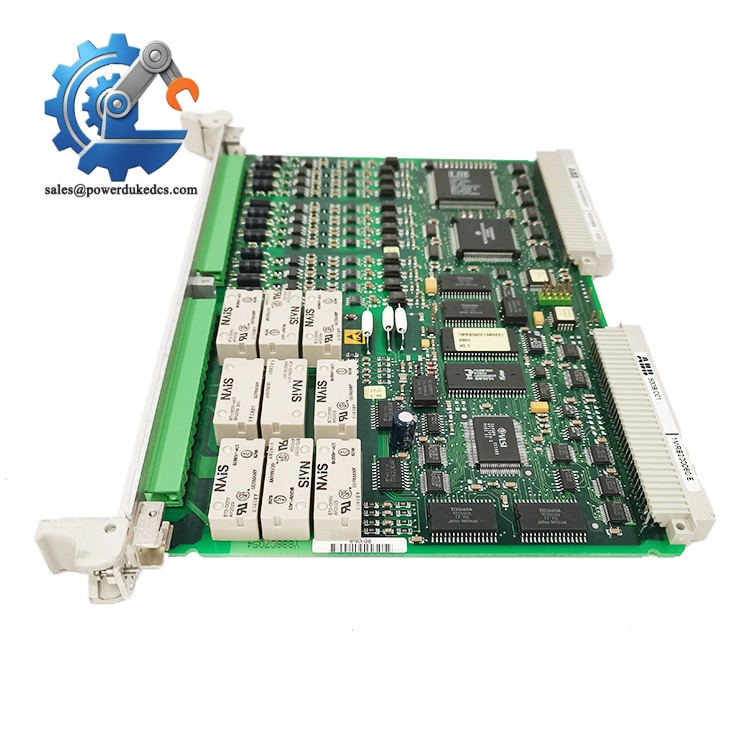
ABB 500BIO01 1MRB150005R1J
Stage 4: Power-On Test & Commissioning (20 Minutes)
1. Test the 24V DC power supply voltage with a multimeter to ensure it is within ±10% of the standard value, and confirm no short circuit between power and ground.
2. Power on the control cabinet separately, observe the module LED status: steady green RUN light means normal startup; flashing red ERR light indicates abnormal startup requiring fault code checking.
3. Connect ABB professional debugging software, scan the network to identify the new module, and record the factory firmware version.
4. Download the pre-backed up program, switch the system to RUN mode after program verification is completed.
5. Simulate on-site binary signal input and output, test all 9DI and 9DO channels for normal response, and check HMI signal synchronization status.
6. Keep the system running stably for more than 30 minutes without alarms, then record the module serial number and replacement time in the equipment maintenance log.
Quality Inspection & Testing Process
We implement full-process quality inspection for all stocked ABB 500BIO01 modules to eliminate defective parts, and can provide test photos and videos for customer verification.
1. Warehouse Entry Inspection
Verify original factory packing list and customs documents to confirm product sourcing authenticity. Check the anti-counterfeiting label and serial number validity. Conduct full appearance inspection to ensure no scratches, corrosion, yellowing or disassembly traces. Complete accessories including manual, certificate and warranty card are fully checked and filed.
2. Live Bench Test
All modules are tested on a dedicated ABB original test rack. Complete power-on self-test to verify LED indicator working normally. Conduct full-channel I/O signal simulation test and 24-hour continuous load operation test to monitor temperature rise stability.
3. Electrical Performance Test
Use a 500V megohmmeter to test insulation resistance (standard value >10MΩ), complete ground continuity and pressure resistance tests to ensure electrical safety compliance.
4. Firmware & Configuration Verification
Read and record the factory firmware version, backup default configuration parameters and DIP switch settings. Uniformly retain version records to avoid firmware mismatch during on-site replacement.
5. Final QC & Packaging
Inspectors sign off after passing all test items. The module is sealed in an anti-static bag, wrapped with bubble film and packed in a carton, attached with a formal QC Passed label with test date.
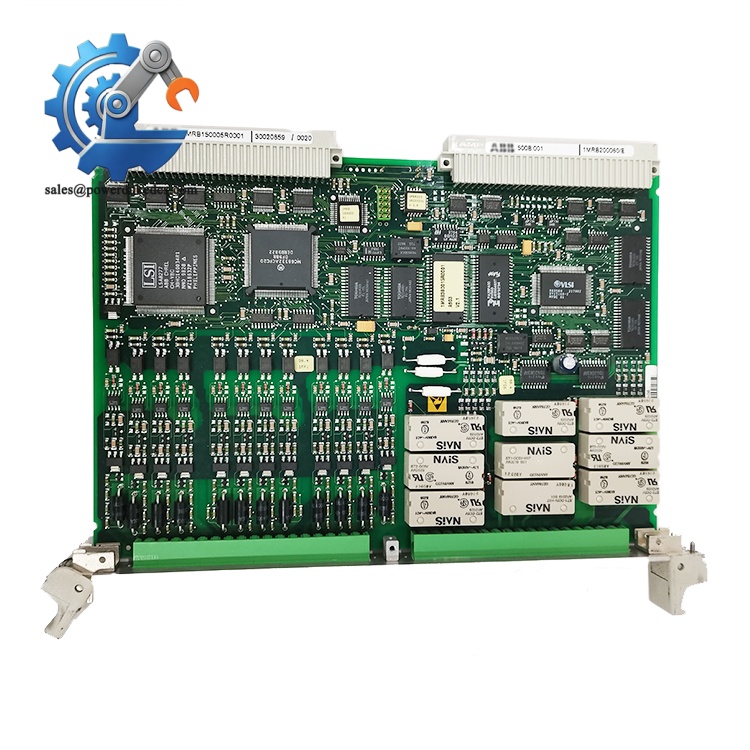
ABB 500BIO01 1MRB150005R1J
Field Replacement Pitfall Guide
Years of on-site maintenance experience shows that most module replacement faults are not product quality problems, but operational errors. These key risk points are easy to overlook but cause long downtime.
1. Firmware Version Mismatch Fault
New modules with overly new or old firmware versions will cause system communication timeout and signal loss. I once encountered a site where the engineer directly replaced the module without checking the firmware version, resulting in inconsistent protocol parsing between the new module and the old system, and spent two days troubleshooting communication faults. Always record the original module firmware version before replacement, and confirm the version compatibility range with the supplier in advance. Reflash or downgrade the firmware if versions do not match.
2. DIP Switch Configuration Error
This is the most frequent low-level error. Factory default switch settings may not match on-site node address and baud rate requirements. Take photos! Take photos! Take photos! Copy the original module’s DIP switch and jumper position completely before replacement. Pay special attention to the bus terminal resistor setting — only two end nodes of the entire bus can turn on the 120Ω resistor.
3. On-Site ESD Damage
I have witnessed an engineer operate without anti-static wristband in dry winter weather. The module was directly broken down by static electricity after power-on, causing direct economic loss. Industrial control modules are highly sensitive to static electricity. Always operate on an anti-static mat with complete anti-static protection, especially in low-humidity environments.
4. Power Load Insufficiency
Multiple I/O modules working simultaneously will increase rack power consumption. Failure to reserve power margin will cause unstable module operation and intermittent signal dropout. Calculate the total power consumption of all modules before replacement, and reserve more than 20% power surplus to avoid insufficient power load.
Frequently Asked Questions (FAQ)
1. Is the ABB 500BIO01 1MRB150005R1J module plug-and-play for old systems?
Basically plug-and-play with consistent hardware interfaces. Well, technically it requires matching firmware version and DIP switch configuration. Direct replacement without configuration adjustment will cause communication faults in most old systems.
2. Does this module support hot swap operation?
It supports hot swap in conventional non-hazardous industrial environments. Hot swap is strictly prohibited in flammable, explosive or high-risk environments to avoid electric spark-triggered safety accidents, complying with EN 60204-1 safety specifications.
3. What is the warranty policy for this module?
We provide 12-month professional warranty support. If non-human damage or quality problems occur during normal use within the warranty period, we support free after-sales maintenance and replacement services.
4. Can this BIO01 module be compatible with other ABB I/O series systems?
It is specially adapted to ABB matching control system racks. It is not universal with other series of I/O modules due to different backplane pin definitions and communication protocols. Confirm the system model before purchasing to avoid compatibility problems.
5. How long is the delivery cycle for this product?
We have sufficient spot inventory of ABB 500BIO01 modules. Conventional orders can be shipped within 1-2 working days. For bulk orders, we can support batch delivery according to customer demand.
6. How to confirm the authenticity of the module?
All modules are original ABB Polish-made products. We can provide factory certificate, packing list and serial number query verification services. Each product has a unique traceable serial number to ensure genuine quality.



 Start Chat


