

Description
Product Core Brief
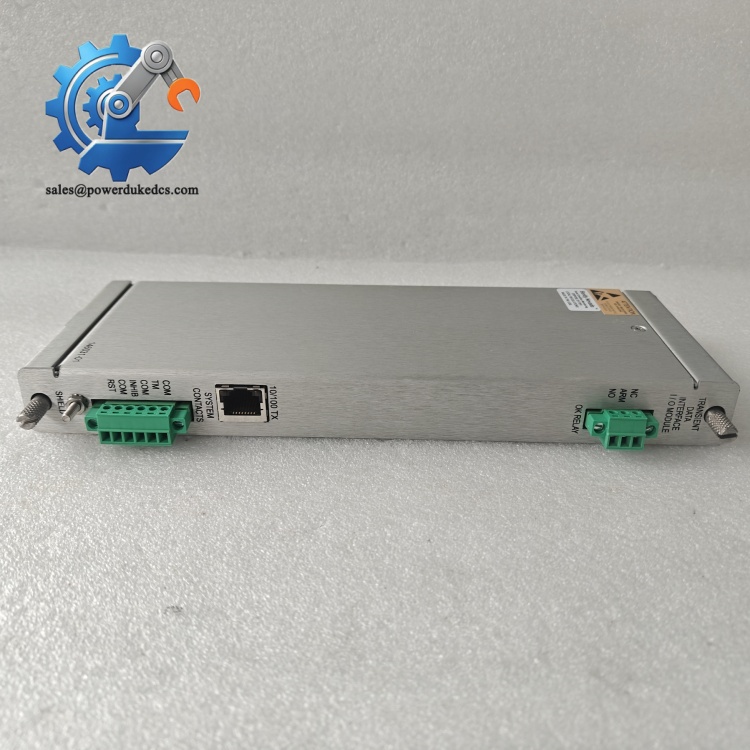
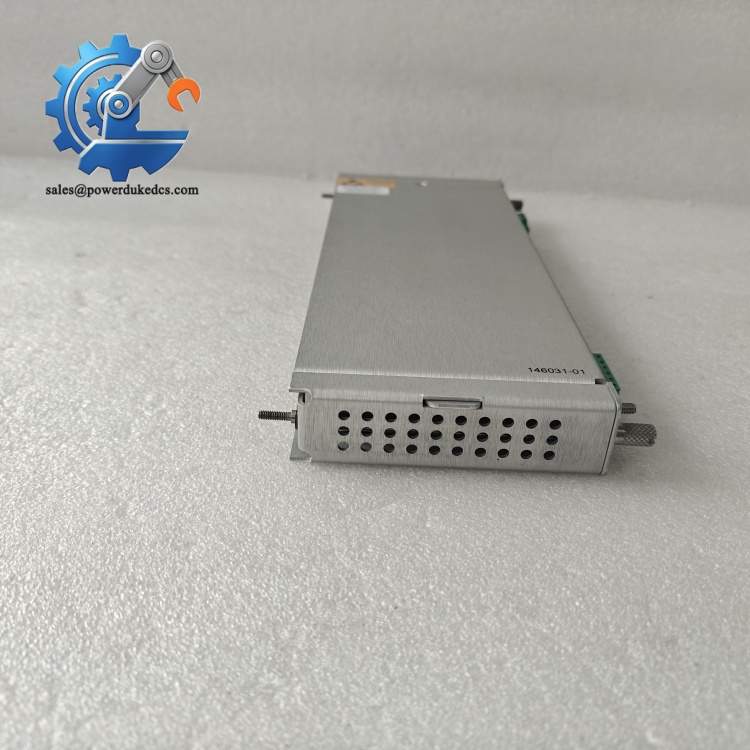
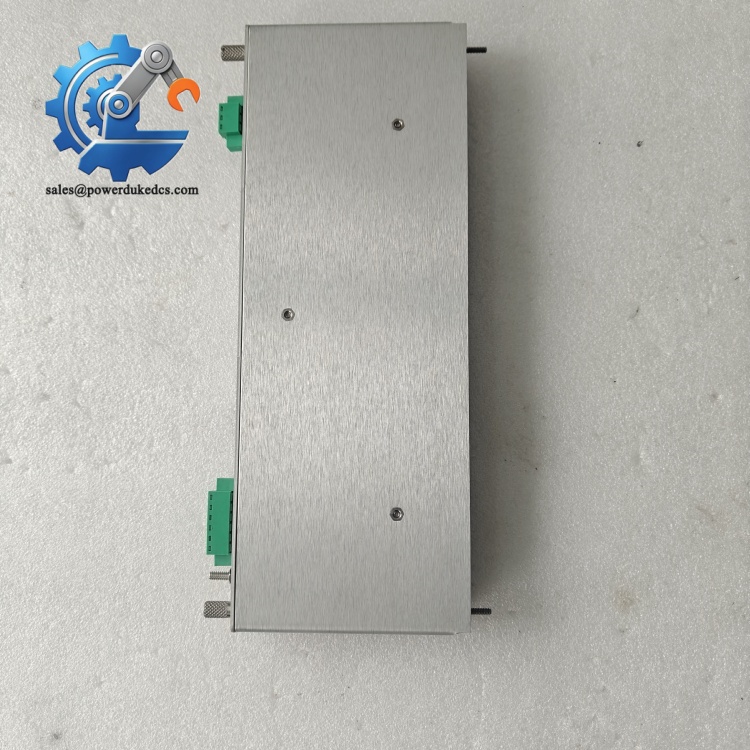
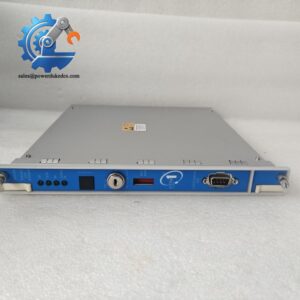
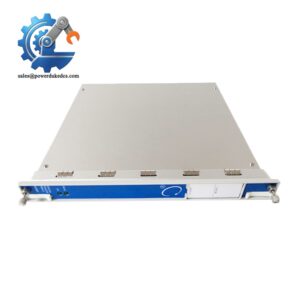
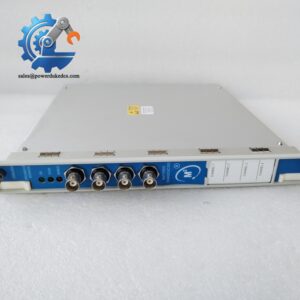
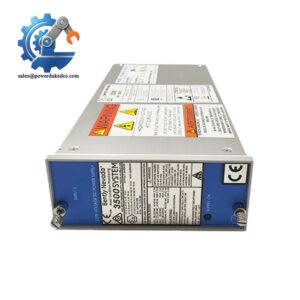
- Model: 3500/22M 146031-01
- Brand: BENTLY Nevada (Baker Hughes)
- Series: 3500 Machinery Protection & Condition Monitoring System
- Core Function: Serve as rack gateway, collect steady-state and transient waveform data and communicate with System 1 host software
- Type: Transient Data Interface (TDI) Module
- Key Specs: Hot swappable, 10/100M Ethernet, occupies Slot1 adjacent to power supply, compatible with M-series monitors
- Condition: New Original, non-refurbished
- Stock Reminder: Limited available inventory
Product Introduction
For power plant turbines and large industrial compressors, post-trip waveform analysis relies on continuous high-speed data capture. The BENTLY 3500/22M 146031-01 acts as the core communication gateway inside every standard 3500 rack. It integrates traditional rack interface and transient data acquisition functions, replacing separate 3500/20 RIM and external communication processors.
This card must be installed in Slot 1 next to power modules. It exchanges commands and measurement data with all vibration monitoring cards via rack backplane. Static parameter collection works out of the box; high-resolution dynamic waveform recording can be activated with optional channel enabling disk. Front panel LED indicators deliver instant visibility on link status and rack health. Field service records confirm stable pairing with 3500/40M, 3500/42M and other mainstream monitor modules for rotating equipment protection.
Key Technical Specifications
| Parameter Item | Technical Value |
|---|---|
| Full Part Number | 3500/22M 146031-01 |
| Official Name | Transient Data Interface (TDI) Module |
| Mandatory Installation Slot | Slot 1 (adjacent to rack power supply) |
| Network Interface | 10Base-T / 100Base-TX auto-sensing Ethernet; support 100Base-FX fiber option |
| Supported Software | 3500 Configuration Software, System 1 Condition Monitoring Software |
| Data Collection | Standard static data; optional transient waveform capture |
| Mechanical Feature | Hot swappable without interrupting protection channels |
| Power Consumption | 10.5 W |
| Operating Temperature | -30 °C ~ +65 °C |
| Mounting Standard | Standard full-height slot for 3500 series rack |
| Typical Application | Steam turbine, gas turbine, centrifugal compressor TSI monitoring |
Installation & Configuration Guide
Stage 1: Pre-Installation Preparation (10 Minutes)
⚠️ Safety Priority Notify control room operators and confirm all protected rotating machines remain stable. The protection function keeps active during module swap, but communication with host software will be temporarily interrupted. Do not perform replacement during startup, shutdown or known unstable operation.
Tool Preparation ESD anti-static wristband, PH1 screwdriver, digital multimeter, mobile phone for photo recording.
Backup Work Connect laptop to rack and export full system configuration file. Record IP address, network parameters and all alarm settings. Take clear photos of original TDI front panel switch positions and network wiring.
BENTLY 3500/22M 146031-01
Stage 2: Old Module Removal (8 Minutes)
- Disconnect Ethernet cable from front panel RJ45 port.
- Unlock the front panel latch.
- Pull out the module slowly and evenly along the slot guide rail.
- Immediately place the removed card into an anti-static bag.
- Inspect backplane connector pins for oxidation, bending or debris.
⚠️ Note: Hot swap is supported, but avoid rapid repeated plugging to prevent backplane signal surges.
Stage 3: New Module Installation (10 Minutes)
- Wear anti-static wristband before unpacking 3500/22M 146031-01. Verify complete part number.
- Insert the module horizontally into Slot 1 next to power supplies. Push fully until front latch locks.
- Reconnect Ethernet cable following original wiring layout.
- Match front panel switch settings exactly according to saved photos.
Self-Check List [ ] Module fully seated and locked [ ] Ethernet cable firmly plugged [ ] Slot position stays at Slot1 beside power supply [ ] No loose wiring inside rack
Stage 4: Power-On & Functional Testing (25 Minutes)
- Observe front panel LEDs after insertion. Wait 2–3 minutes for rack initialization.
- Connect configuration software and scan rack hardware; confirm the new TDI is recognized.
- Input reserved IP address and network parameters.
- Download saved configuration file to the rack.
- Establish communication link with System 1 host and verify real-time static data upload.
- Trigger simulated alarms and confirm pre/post-event waveform capture works as expected.
- Maintain continuous observation for minimum 30 minutes, check for intermittent communication dropouts.
- Record serial number and replacement time in equipment maintenance logs.
BENTLY 3500/22M 146031-01
Strict Quality Inspection Process
1. Warehouse Receiving Verification
Serial number cross-check against Bently Nevada factory records. Full exterior inspection confirms no scratches, deformation or disassembly traces. Verify complete original packing and factory test certificate.
2. Live Functional Testing
Every module is tested on standard 3500 test rack. Execute power-on self-test and LED function inspection. Build Ethernet connection and complete rack hardware scanning test. Simulate data exchange with monitor cards to verify backplane communication. Continuous 24-hour aging test monitors network stability, and formal test records can be provided on request.
3. Electrical Parameter Detection
Carry out 500V insulation resistance testing. Check internal power circuit and communication circuit isolation performance to resist EMI interference in power plant cabinets.
4. Firmware & Network Parameter Verification
Read and record factory firmware revision. We support firmware adjustment if customer site System1 software requires matched version.
5. Final QC & Packaging
Qualified modules are sealed inside anti-static bag after inspector confirmation. Wrap with shockproof bubble film and pack into reinforced carton. Each package carries QC Pass sticker printed with inspection date. Customers can apply for test photos and operation videos before shipment.
On-Site Replacement Pitfall Guide
1. Wrong Installation Slot
TDI must occupy Slot 1 adjacent to power supply. Inserting into other slots causes rack initialization failure. Avoidance: Confirm slot location before insertion; never randomly assign slots.
2. Firmware Version Mismatch
Large version gaps between new TDI and original unit lead to failure connecting with System1 or incomplete waveform data. Avoidance: Record firmware version before removing old module and confirm compatibility in advance.
3. Neglecting Network Parameter Backup
IP address and gateway settings reset after hardware replacement. Missing records result in lengthy network debugging. Avoidance: Export configuration and screenshot network parameters before any swap.
4. Improper Hot Swap Operation
Pulling module out at an angle may bend backplane pins. Avoidance: Keep horizontal posture during plug and pull, follow guide rails smoothly.
5. Ignoring ESD Protection
Internal communication chip is sensitive to static damage, especially in dry winter environments. Avoidance: Mandatory anti-static wristband for all handling operations.
BENTLY 3500/22M 146031-01
Frequently Asked Questions (FAQ)
1. Can 3500/22M 146031-01 realize direct hot swap replacement? Hardware supports hot swap. Machine protection logic continues running during replacement, but data transmission to System1 will be interrupted temporarily. Matching firmware and network settings are required for seamless recovery.
2. What warranty policy applies to this TDI module? We provide 12-month warranty for new original units. Non-human damage failures qualify for after-sales technical support. All test records are filed for quality traceability.
3. Can this module replace older 3500/20 RIM directly? It can physically occupy the same slot, but function differs. 3500/22M integrates transient data capture; configuration and host software settings need adjustment when migrating from 3500/20.
4. Can I obtain QC inspection materials before delivery? Yes. We can supply exterior photos, bench test records and short operation videos for customer incoming inspection confirmation.
5. What rotating machinery commonly uses this TDI module? Mainly power station steam turbines, gas turbines, petrochemical compressors and large blower units equipped with 3500 series TSI protection racks.
6. How long is the delivery cycle for stocked modules? Limited spot inventory available. Confirmed orders can be shipped within 1–2 working days. Express delivery options help reduce equipment standby downtime.
If you need me to shorten paragraphs to adapt for 1688 product page display, let me know directly.



 Start Chat


