

Description
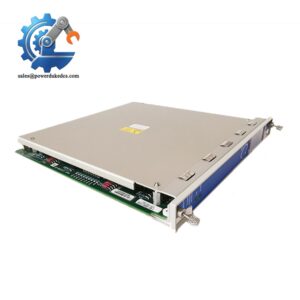
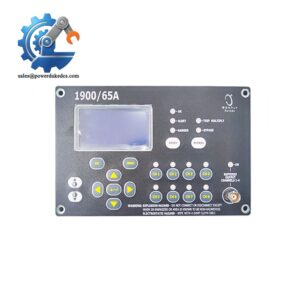
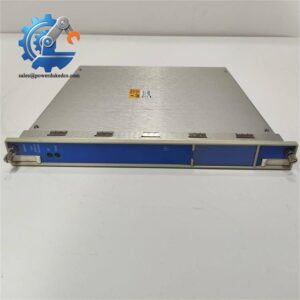
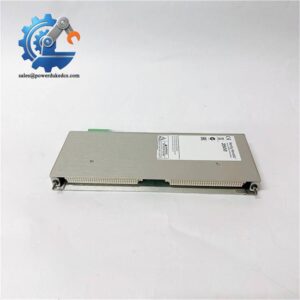
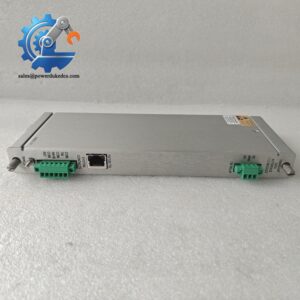
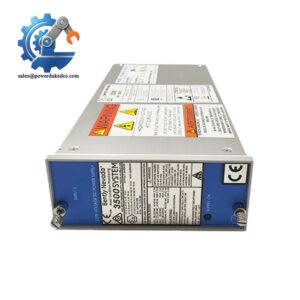
- Bently Nevada 3500/93 135785-02C | Local HMI Display for Vibration & Machinery Alarm Monitoring
Product Core Brief
- Model: 3500/93 135785-02C
- Brand: Bently Nevada
- Series: 3500 Machinery Protection System
- Core Function: Local visualization of all rack monitoring data and system alarms
- Type: System Display Unit
- Key Specs: 640×200 transflective LCD; RS422 communication; Supports up to two displays per rack Condition: New Surplus, not refurbished ⚠️ This product has been phased out by original manufacturer, limited stock available.
Product Introduction
Operators working alongside turbines and compressors cannot always rely on remote HMI to spot rising vibration alarms. The Bently Nevada 3500/93 135785-02C delivers on-site visual access to the entire 3500 rack without opening configuration software.
This display unit connects to the 3500 display interface module and retrieves real-time channel values, alarm logs and event records. It supports four flexible mounting layouts to fit control room or cabinet installation. The transflective LCD maintains stable readability under variable lighting conditions, and it meets API 670 requirements for critical turbomachinery protection. Typical channel data refresh cycle reaches 1 second, letting field staff acknowledge alerts and check machine status instantly during rounds.
Key Technical Specifications
| Parameter | Details |
|---|---|
| Full Model No. | 3500/93, Part Number:135785-02C |
| Supported Platform | Bently Nevada 3500 full-size rack |
| Display Resolution | 640 × 200 transflective FSTN LCD with backlight |
| Communication Interface | RS422, Bently proprietary protocol & Modbus |
| Maximum Cable Distance | 30 m (100 ft) standard; up to 1200 m (4000 ft) with external power supply |
| Supported Mounting | Face mount, 19-inch rack mount, panel mount, independent wall mount |
| Operating Temperature | -40 °C ~ +70 °C |
| Compliance Standard | API 670, CE, CSA |
| Maximum Quantity Per Rack | 2 display units |
| Typical Data Refresh Rate | 1 second per channel |
| Front Panel | Physical navigation keypad, alarm indicator LED |
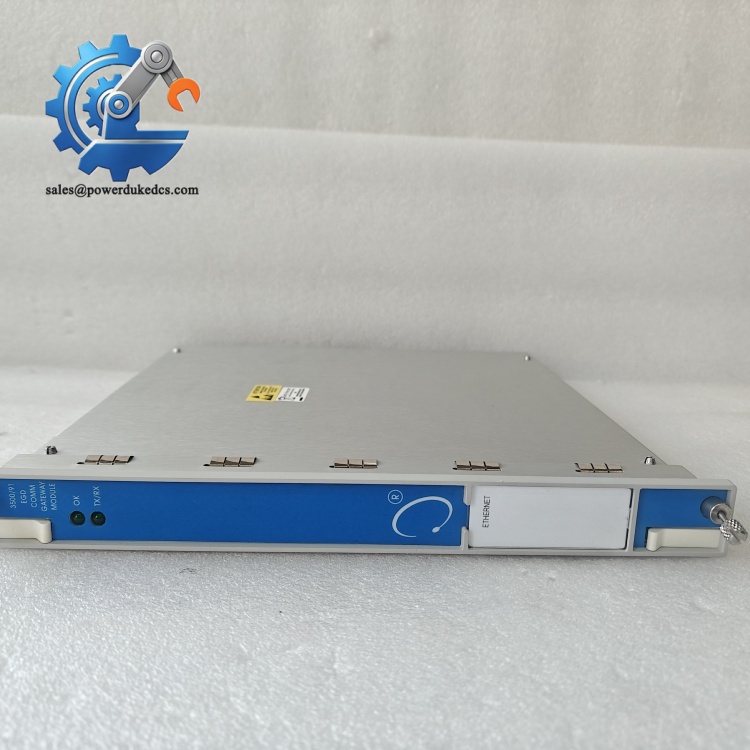
Bently Nevada 3500/93 135785-02C
Installation & Configuration Guide
Phase 1: Pre-Installation (Estimated: 10 minutes)
⚠️ Safety Reminders
- Coordinate with operation team to confirm machine status.
- Confirm the target 3500 rack remains powered during installation where applicable.
- Prepare isolation measures if cable work requires partial cabinet shutdown.
Tools to prepare
- Anti-static wrist strap and anti-static mat
- PH1 cross screwdriver
- Digital multimeter
- Mobile phone for recording wiring and slot position
- Shielded RS422 communication cable matching original length
Backup work
- Export complete rack configuration via 3500 Configuration Software and save files.
- Confirm the Display Interface Module (DIM) is installed in slot 15 (rightmost rack slot) for face mount layout.
Phase 2: Remove Old Display Unit (Estimated: 10 minutes)
- Take clear photos of existing cable wiring and terminal definitions.
- Unplug the RS422 communication cable connected between display unit and rack DIM module.
- Loosen mounting fasteners and take out the old display hardware.
- Inspect cable connectors for bent pins, corrosion or loose shielding terminals.
⚠️ Do not pull cables by force. Damaged differential signal wiring triggers unstable communication or blank screen.
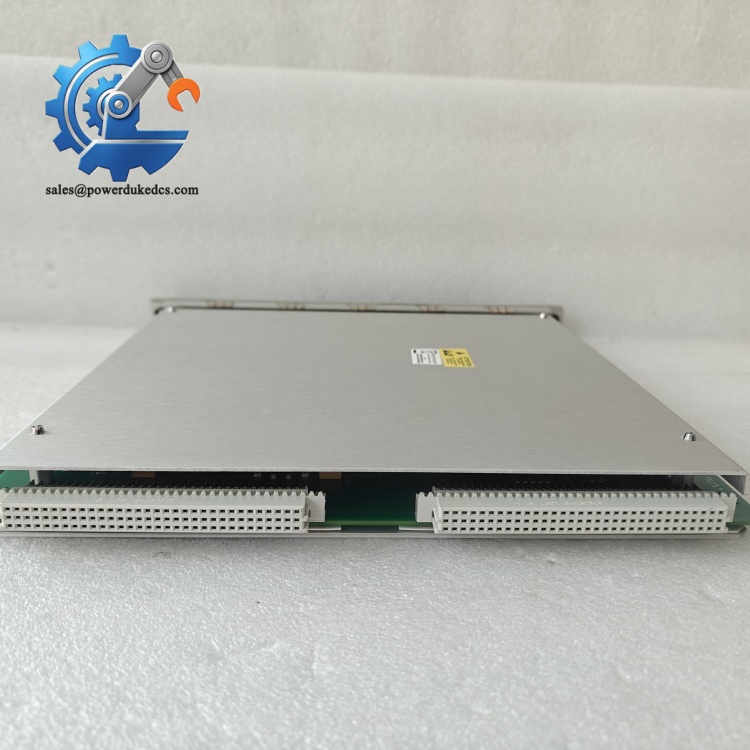
Bently Nevada 3500/93 135785-02C
Phase 3: Install New Display Unit (Estimated: 18 minutes)
- Wear anti-static wrist strap before unpacking the new unit.
- Double-check part number: confirm 3500/93 135785-02C matches replacement requirement.
- Complete mechanical mounting according to selected installation method (face / rack / panel mount).
- Route shielded RS422 cable; keep signal wiring separated from high-power AC cables.
- Connect cable terminals following photo records, connect shield ground at one end only.
Self-check checklist [ ] Part number verified [ ] Mounting brackets fixed without vibration clearance [ ] Communication cable shielding properly terminated [ ] No sharp edges squeezing signal wires
Phase 4: Power-On & Functional Test (Estimated: 22 minutes)
Pre-power inspection
- Confirm cable wiring polarity matches terminal definition.
- Check cable length does not exceed rated distance without external power supply.
Power-on steps
- Restore rack power, keep field machinery under safe status.
- Watch display startup sequence; normal unit shows main data menu after initialization.
- Navigate keypad menus to browse channel measurements, alarm lists and system event logs.
- Trigger test alarms temporarily to verify LED indicators and screen alert display.
- Maintain continuous running over 30 minutes, confirm no screen freeze or communication dropout.
Troubleshooting hints
- Blank screen: Check backlight power supply and RS422 wiring polarity.
- No data update: Verify DIM module slot position and rack configuration download.
- Intermittent signal loss: Improve cable shielding and separate signal wiring from power cables.
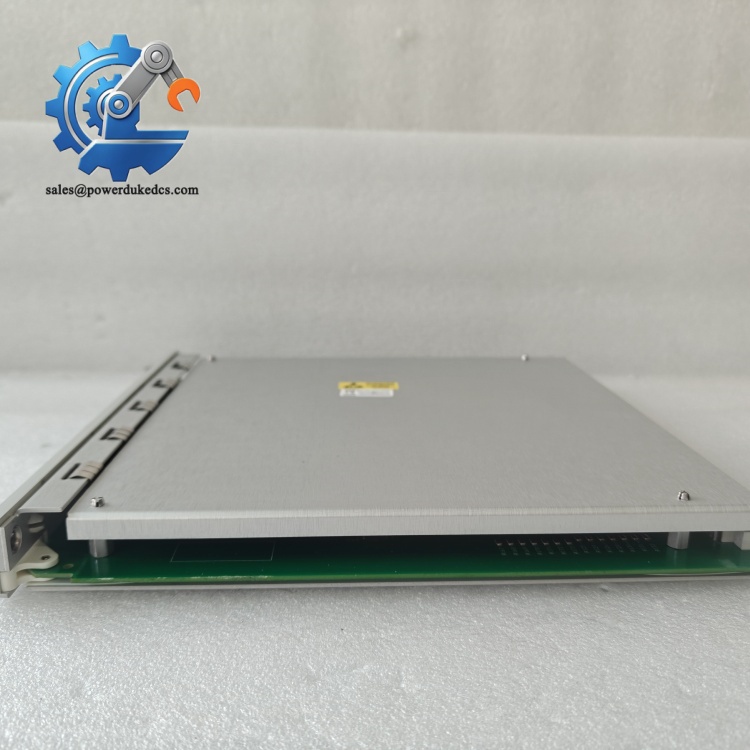
Bently Nevada 3500/93 135785-02C
Frequently Asked Questions (FAQ)
- Can I install two 3500/93 display units on a single 3500 rack? Yes. Each full-size 3500 rack supports up to two display units. You need to set different device addresses for each unit in configuration software to avoid communication conflicts.
- Is the 135785-02C version compatible with older DIM hardware revisions? Compatibility depends on firmware versions. We have encountered cases where old display interface modules cannot recognize newer display hardware. Send us your DIM module part number and rack firmware revision before ordering for verification.
- What is the difference between backlit and non-backlit 3500/93 display variants? The 135785-02C model comes with built-in backlight for low-light control rooms. Non-backlit reflective screens rely on ambient light and perform poorly in dim cabinets. All our stock items undergo complete functional testing including backlight inspection. Every unit carries a 12-month warranty.
- Can this display connect directly to DCS systems instead of the 3500 rack? No. The 3500/93 only works paired with the dedicated Display Interface Module inside the 3500 rack. It cannot establish direct communication with external control systems. Use 3500/92 communication gateway if you need data transmission to DCS.
- How long is the typical lead time for available stock? Items in Xiamen warehouse can be shipped within 1–3 working days. If stock is exhausted, we can arrange last-time sourcing; we will confirm exact lead time before formal order confirmation.
- Can you provide test evidence before shipment? We complete full function testing for every unit. We can share test screenshots on request. Short testing video records can also be provided for customer review.



 Start Chat


