

Description
Product Core Brief
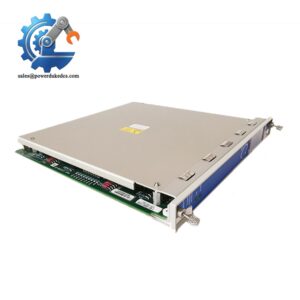
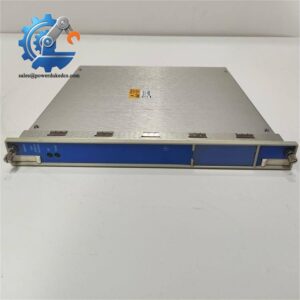
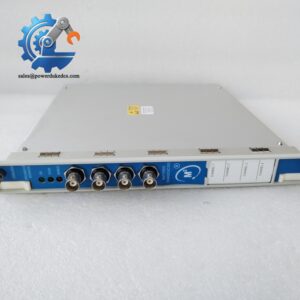
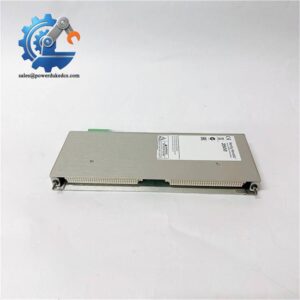
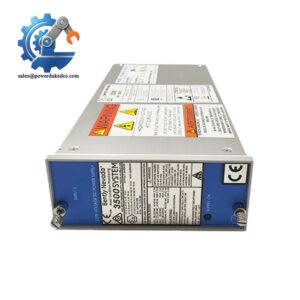
- Model: 3500/92 136188-01
- Brand: Bently Nevada
- Series: 3500 Machinery Protection System
- Core Function: Transmit rack vibration and status data to external DCS, PLC and monitoring platforms
- Type: Communication Gateway I/O Module
- Key Specs: RJ45 Ethernet + RS232 interface; Modbus TCP / Modbus RTU supported; Low 5.0 W typical power draw Condition: New Surplus, not refurbished ⚠️ Active production model, limited stock available.
Product Introduction
Many turbine monitoring projects face data isolation between the 3500 rack and plant control networks. The 3500/92 136188-01 works as the external communication interface matching the main gateway board 136180-01.
Compared to older 3500/90 modules, it adds configurable Modbus register mapping to simplify data tag setup for historians and HMI systems. It collects all monitor channel readings, alarm states and rack diagnostics from the backplane, and converts internal rack data into standard industrial protocols. Field feedback shows stable continuous operation over 60,000 hours under normal plant ambient conditions.
Key Technical Specifications
| Parameter | Details |
|---|---|
| Full Part Number | 3500/92, 136188-01 |
| Module Combination | Matches main gateway board 136180-01 |
| Communication Interfaces | 10BASE-T RJ45 Ethernet, RS232 Serial Port |
| Supported Protocols | Modbus TCP, Modbus RTU, Bently Nevada proprietary protocol |
| Typical Power Consumption | 5.0 W |
| Operating Temperature | -30 °C ~ +65 °C |
| Storage Temperature | -40 °C ~ +85 °C |
| Humidity Rating | 5% ~ 95%, non-condensing |
| Physical Size | 241 × 24.4 × 99.1 mm |
| Module Weight | 0.44 kg |
| Configuration Tool | 3500 Rack Configuration Software |
| Supported Network | 10 Mbps Ethernet (IEEE802.3) |
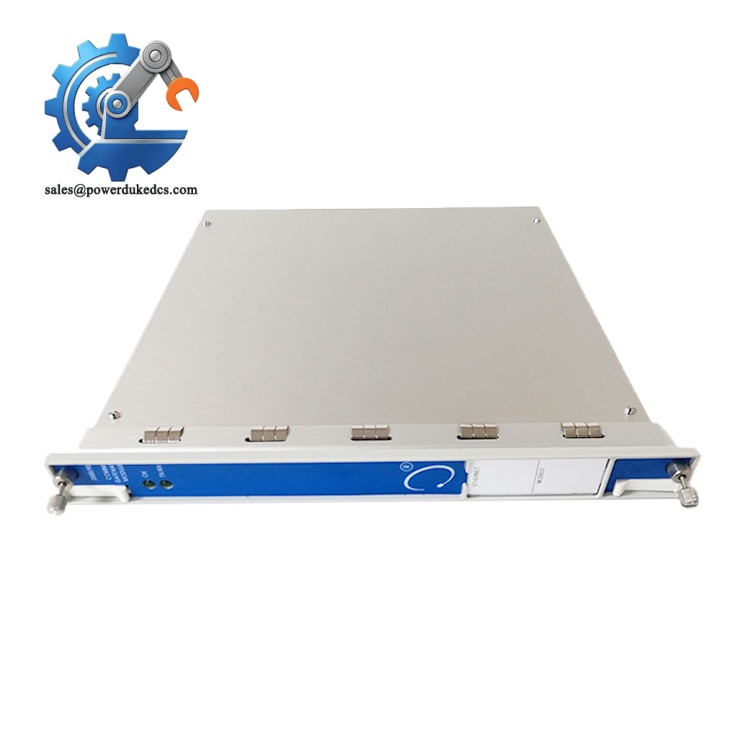
Bently Nevada 3500/92 136188-01
Installation & Configuration Guide
Phase 1: Pre-Installation (Estimated 10 min)
⚠️ Safety Reminders
- Coordinate downtime with operation staff. Communication failure will cut off machinery data to DCS.
- Disconnect rack power and wait minimum 5 minutes to discharge internal capacitors.
Tools required
- Anti-static wrist strap and anti-static mat
- PH1 screwdriver
- Digital multimeter
- Mobile phone for photo recording
- Shielded Ethernet cable, serial communication cable
Backup work
- Export complete rack configuration file and save offline.
- Capture photos: slot position, network wiring, existing gateway communication parameters including IP address, Modbus register layout.
- Record static IP, subnet mask and gateway settings of the original module.
Phase 2: Old Module Removal (Estimated 12 min)
- Confirm rack power remains disconnected.
- Unplug RJ45 Ethernet cable and RS232 serial cable, mark each cable clearly.
- Release the front locking screw, pull the gateway assembly straight out from the rack slot.
- Separate the main gateway board and I/O module. Confirm the removed I/O part number is 136188-01.
- Inspect rack backplane connectors for bent pins or accumulated dust. Clean with dry compressed air if needed.
⚠️ Do not twist the module during extraction; bending can damage backplane contacts.
Phase 3: New Module Installation (Estimated 15 min)
- Wear anti-static gear before removing the module from ESD packaging. Static discharge can damage communication circuits.
- Verify part number: 136188-01, match the existing main gateway board 136180-01.
- Securely attach the new I/O module onto the main gateway board.
- Insert the combined module vertically into the target rack slot, push fully until the front panel sits flush. Tighten the locking screw.
- Reconnect Ethernet cable and RS232 serial wiring following photos taken before removal.
Self-check list [ ] Main board and I/O module fully locked together [ ] All communication cables correctly connected [ ] No loose wiring inside rack cabinet [ ] No leftover tools inside rack frame
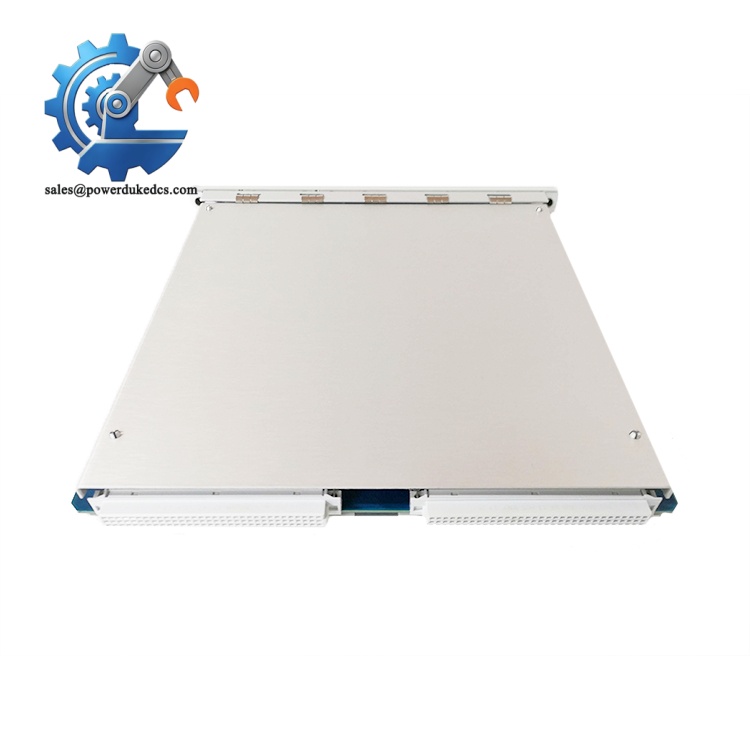
Bently Nevada 3500/92 136188-01
Phase 4: Power-On & Commissioning (Estimated 30 min)
Pre-power inspection
- Measure rack backplane supply voltage to confirm 24 V DC within tolerance range.
- Check for short circuits on power terminals.
Power-on steps
- Energize the 3500 rack only. Do not restart rotating machinery immediately.
- Watch front panel LED indicators: steady OK light indicates normal startup. Flashing TX/RX means active data transmission.
- Connect PC with 3500 configuration software, scan rack and detect the gateway module.
- Input saved IP address, Modbus parameters and register mapping settings. Download configuration to the gateway.
- Establish connection with DCS or SCADA system, verify vibration values, alarm signals are updating normally.
- Maintain continuous monitoring for minimum 30 minutes. Confirm no communication dropouts or data offset errors.
- Record serial number, replacement date and communication parameters into equipment maintenance logs.
Troubleshooting tips
- No network access: Verify IP address matches plant network segment, check shielded cable continuity.
- Modbus data missing: Double-check register mapping settings inside configuration software.
- OK light flashing: Mismatch between main gateway board and I/O module part version.
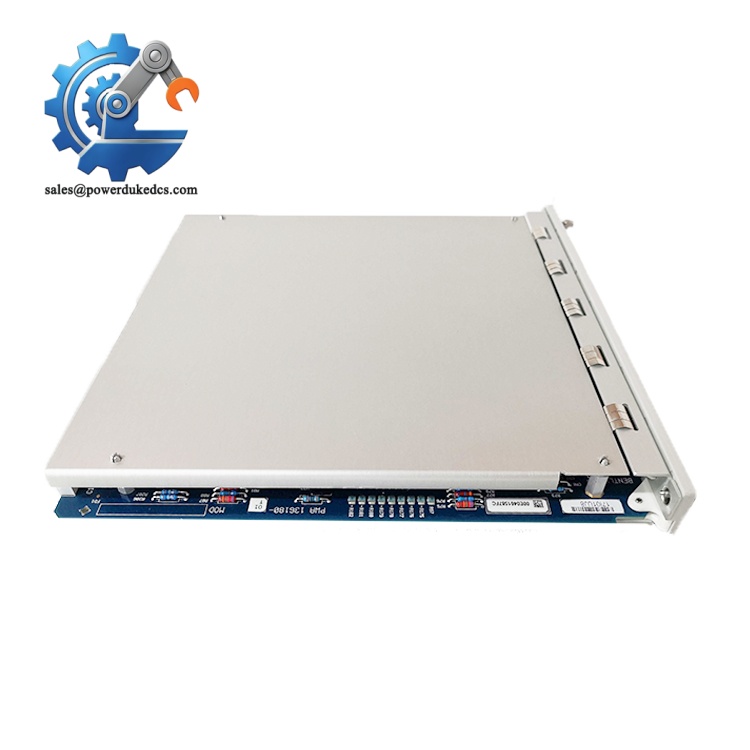
Bently Nevada 3500/92 136188-01
Frequently Asked Questions (FAQ)
- Can 136188-01 directly replace 136188-02 I/O module? Hardware mounting dimensions are identical, but internal circuit revisions differ. After replacement, reload gateway configuration and run communication testing. Direct swap without parameter verification often triggers serial communication instability.
- Does the 3500/92 support hot-swap operation? Physical hot insertion is allowed on the 3500 rack. All external communication links will drop during replacement. Schedule maintenance window to avoid losing machinery monitoring data to DCS.
- Can this module run Modbus TCP and Modbus RTU at the same time? Yes. The Ethernet port handles Modbus TCP, while the RS232 serial channel works for Modbus RTU. You can assign separate data register lists for each communication channel.
- Is the 3500/92 compatible with older 3500 rack firmware? Outdated rack firmware may limit configurable Modbus register features. If communication errors appear after installation, upgrade rack firmware to the official recommended revision.
- What warranty coverage do you provide for 3500/92 136188-01? All units pass complete bench communication testing before shipment. We provide a 12-month warranty. Test records and inspection photos can be shared upon request.
- Can multiple 3500/92 modules be installed within one single 3500 rack? One rack supports only one communication gateway module. Installing a second gateway will cause backplane communication conflict.
- What kind of cable should be used for the Ethernet connection? Use shielded Cat5 cable. Unshielded cables easily pick up electromagnetic interference near turbine and motor equipment, leading to intermittent data loss.



 Start Chat


