

Description
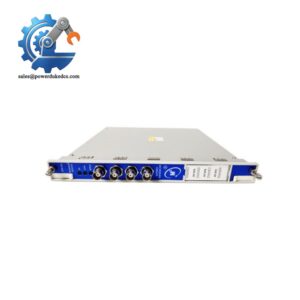
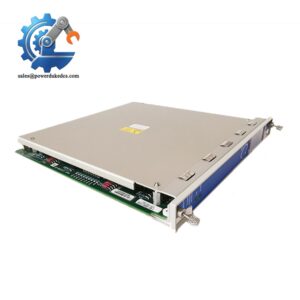
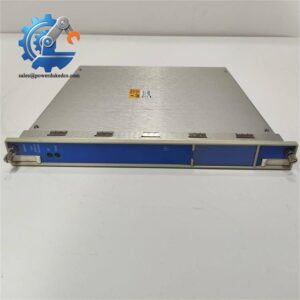
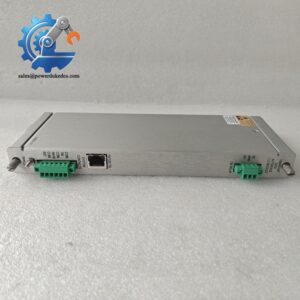
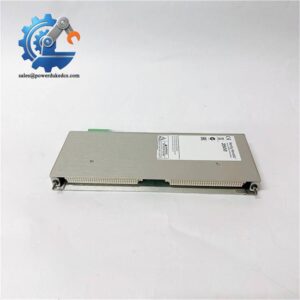
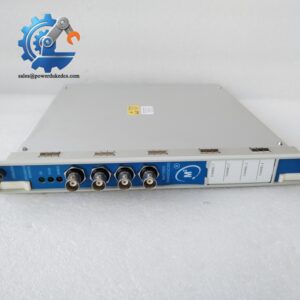
- Bently Nevada 3500/94 147663-01 | Rack Communication Card Used for DCS & System 1 Interconnection
Product Core Brief
- Model: 3500/94 147663-01
- Brand: Bently Nevada
- Series: 3500 Machinery Protection System
- Core Function: Transmit rack monitoring data to external control and monitoring platforms
- Type: Communication Gateway Module
- Key Specs: Supports Modbus TCP, RS485 Modbus RTU, backplane communication with all rack monitors Condition: New Surplus, non-refurbished ⚠️ Original manufacturer end-of-life component, limited stock availability
Product Introduction
Many 3500 rack communication failures cut off vibration and machinery protection data from plant DCS. The Bently Nevada 3500/94 147663-01 serves as the core communication gateway inside the 3500 rack chassis. It collects measurement values, alarm status and system diagnostics from all modules via rack backplane.
Unlike discrete serial adapters, this card integrates multiple communication protocols in one half-height slot. It delivers stable data transmission under -30°C ~ +65°C control room conditions. Field data shows it can maintain continuous polling for years without frequent resets, a critical advantage for unattended turbine and compressor monitoring racks in petrochemical and power plants.
Key Technical Specifications
| Parameter | Specification |
|---|---|
| Part Number | 3500/94 147663-01 |
| Module Type | Rack Communication Gateway Module |
| Form Factor | Half-height module |
| Rack Slot Position | Can be installed in any available slot after interface module |
| Communication Protocols | Modbus TCP, Modbus RTU (RS422/RS485), Bently proprietary protocol |
| Operating Temperature | -30 °C ~ +65 °C |
| Storage Temperature | -40 °C ~ +85 °C |
| Ambient Humidity | 0–95% non-condensing |
| Power Consumption | Max 5.2 W from rack backplane |
| Supported Software | 3500 Rack Configuration Software, System 1 Condition Monitoring Software |
| Compliance | EN 61010-1, Industrial EMC standards |
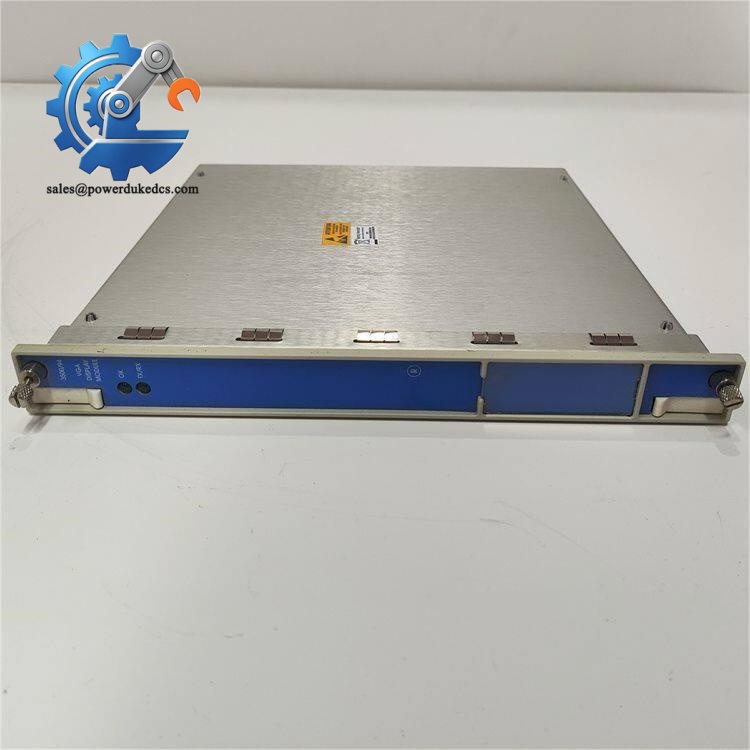
Bently Nevada 3500/94 147663-01
Installation & Configuration Guide
Pre-Installation (Estimated 10 minutes)
⚠️ Safety Reminders
- Schedule planned downtime for the 3500 monitoring rack. Avoid hot removal to prevent transient backplane noise.
- Cut off rack power supply and lock out power circuits.
- Hold power off for minimum 5 minutes to discharge internal capacitors.
Tools to prepare:
- Anti-static wrist strap and anti-static mat
- PH1 screwdriver
- Digital multimeter
- Mobile phone for capturing original module configuration
- Label tape for network and serial wiring tags
Preparation tasks: Export complete rack configuration file to local storage. Take photos of existing network wiring and module slot position. Record static IP address and Modbus register mapping for later restoration.
Removal of Old Module (Estimated 12 minutes)
- Confirm rack power is fully disconnected.
- Disconnect Ethernet and serial communication cables one by one, mark each cable clearly.
- Locate the target half-height gateway module inside the rack.
- Unlock the module fastening tab, pull the card straight outward. Do not twist the board to avoid bending backplane pins.
- Inspect backplane connectors for oxidation, dust or bent pins. Clean debris with dry compressed air if required.
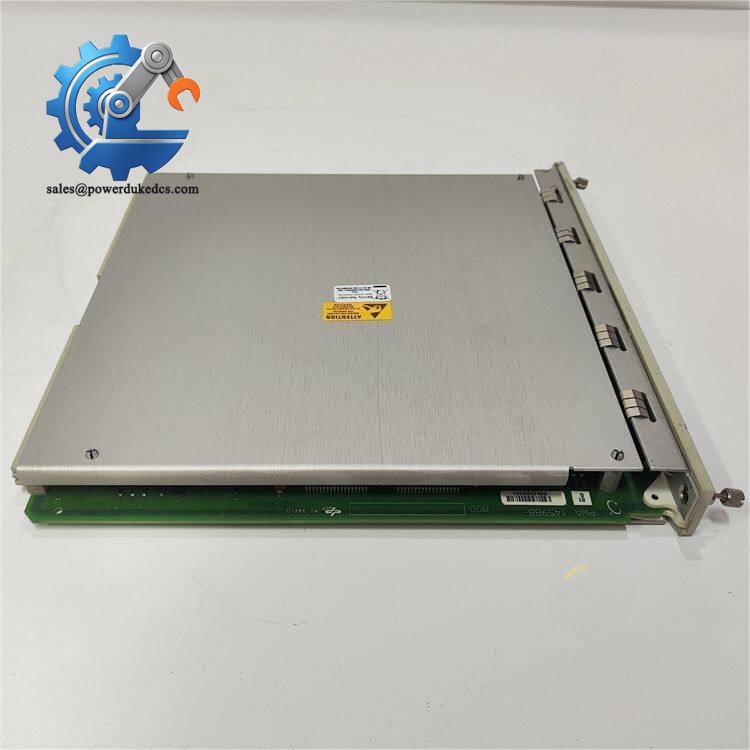
Bently Nevada 3500/94 147663-01
New Module Installation (Estimated 15 minutes)
- Wear anti-static equipment before unpacking the module. Static discharge can damage communication circuits.
- Insert the module into the assigned rack slot, push vertically until the lock tab clicks firmly.
- Reconnect Ethernet and serial communication cables following photo reference.
- Confirm no loose wires or stray hardware remain inside the rack enclosure.
Pre-power-on checklist: [ ] Module fully seated and locked [ ] Communication cables correctly routed and fastened [ ] No foreign objects inside rack chassis [ ] Anti-static gear removed before cabinet closure
Power-On & Functional Testing (Estimated 30 minutes)
- Restore rack power and observe front panel LED indicators. Normal operation shows steady RUN light.
- Launch 3500 configuration software, scan rack hardware and confirm the system detects 3500/94.
- Load saved rack configuration file and download parameters to the new gateway module.
- Configure IP address, Modbus polling parameters and alarm forwarding settings.
- Establish connection to upper DCS or System 1 software. Verify real-time vibration data and alarm signals transfer normally.
- Maintain continuous operation for at least 30 minutes. Monitor for communication dropout or abnormal error codes.
- Update site maintenance log with serial number, replacement date and test records.
Troubleshooting hints:
- No hardware recognition: Check full insertion into rack backplane
- Intermittent communication dropouts: Verify network cable quality and terminating resistor setting
- Failed configuration download: Confirm compatibility with your rack firmware revision
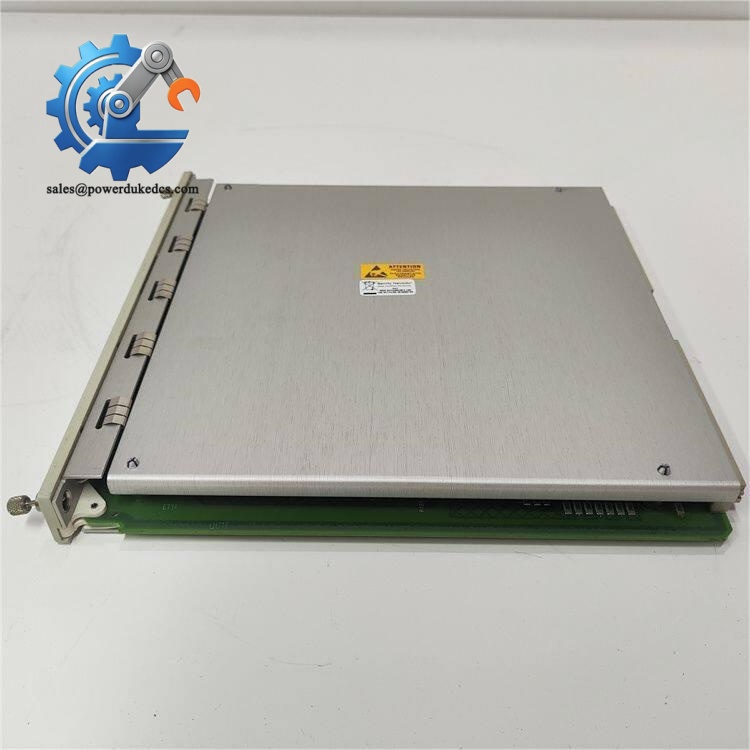
Bently Nevada 3500/94 147663-01
Frequently Asked Questions (FAQ)
- Can I perform hot-swap replacement for the 3500/94 147663-01 gateway module? Not recommended. Live removal generates backplane electrical disturbance. It may trigger temporary communication loss or false alarms on connected DCS. Always arrange a planned outage for replacement.
- Is this module compatible with all 3500 rack chassis models? It fits standard 3500/05 racks. Some very early rack hardware revisions have limited backplane protocol support. Send your rack serial number for cross-verification before purchase.
- Can multiple 3500/94 gateway modules work inside one single rack? Yes. Multiple gateway cards can be mounted to separate Modbus TCP and serial communication links. This setup helps isolate plant DCS network and diagnostic data traffic.
- Does this gateway support direct connection to System 1 software? Yes. It supports the proprietary Bently communication protocol for data exchange with System 1, while also offering open Modbus interfaces for third-party PLC and DCS platforms.
- What warranty coverage do you provide for this surplus module? All units pass complete bench communication testing before shipment. We offer a 12-month functional warranty. Test photos or video records can be provided upon request.
- What common failure signs appear on a faulty 3500/94 module? Typical issues include periodic communication timeout, constant flashing error LED, inability to hold network configuration, or complete failure to be detected by rack configuration software.
- Can I adjust Modbus register mapping directly on this gateway card? Register mapping settings are managed via 3500 Rack Configuration Software. All parameters must be downloaded to the module after modification. Changes will cut off data transmission temporarily.



 Start Chat


