

Description
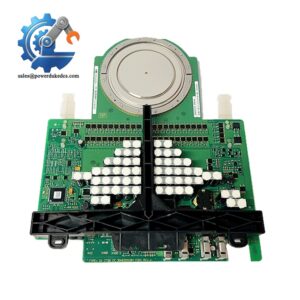
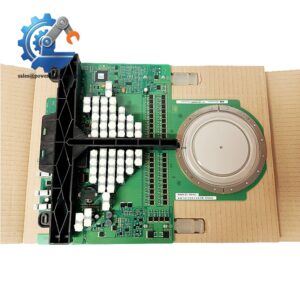
- Emerson 5X00790G01 | Industrial Rack Mount Controller for Power Plant DCS Platform
Product Core Brief
- Model: 5X00790G01
- Brand: Emerson
- Series: Ovation OCC100 DCS Control Platform
- Core Function: Execute real-time control logic and process field I/O data for Ovation systems
- Type: Compact rack-mounted main controller
- Key Specs: Dual-core ARM processor, dual Ethernet ports, 2GB RAM + 8GB flash storage
- Condition: New Surplus, fully bench tested before shipment ⚠️ Original production discontinued, limited available inventory
Product Introduction
Control logic interruptions on power station DCS racks can trigger unplanned unit trips. The 5X00790G01, known as the OCC100 compact controller, works as the standalone or rack-based processing core for Emerson Ovation distributed control systems. It collects field signals from connected I/O modules and runs continuous regulatory and sequence control algorithms.
Two independent Ethernet interfaces support network redundancy to reduce single-point communication failure risks. Compared with older Ovation controller hardware, this unit optimizes processing latency for high-speed boiler and turbine control loops. Site feedback confirms stable long-run operation within -40 °C ~ +70 °C cabinet environments, widely deployed in thermal power plants, combined-cycle facilities and chemical process workshops.
Key Technical Specifications
| Parameter | Details |
|---|---|
| Full Part Number | 5X00790G01 (OCC100 Compact Controller) |
| Main Processor | Dual-core 1.2 GHz ARM Cortex-A9 |
| Memory | 2 GB DDR3 RAM, 8 GB on-board flash memory |
| Communication Ports | Dual 10/100 Mbps Ethernet (E1, E2), internal Ovation backplane bus |
| Supported Protocols | Ovation proprietary bus, Modbus TCP |
| Power Input | 120/240 V AC, 50 / 60 Hz |
| Operating Temperature | -40 °C ~ +70 °C |
| Storage Temperature | -40 °C ~ +85 °C |
| Relative Humidity | 5% ~ 95 %, non-condensing |
| Vibration Rating | 5–500 Hz, 2 g (IEC 60068-2-6) |
| Mounting Method | Standard Ovation rack slot installation |
| Status Indicator | Front panel LED indicators for Run, Fault, Network activity |
| Typical Application | Boiler control, turbine monitoring, plant auxiliary system DCS control |
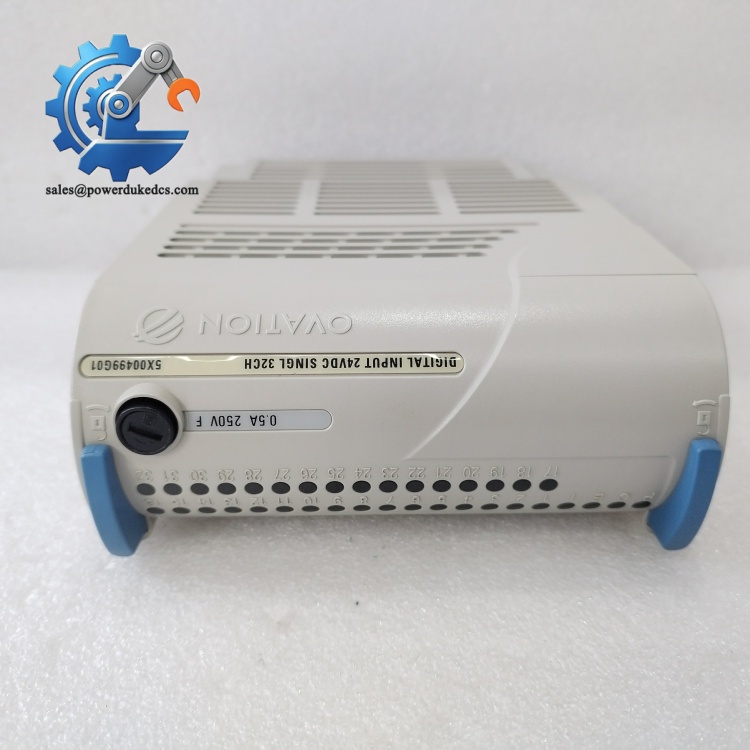
Emerson 5X00790G01
Installation & Configuration Guide
Phase 1: Pre-Installation (Estimated 15 minutes)
⚠️ Safety Reminders:
- Coordinate maintenance window with operation team. Transfer related control loops to manual state.
- Confirm if the controller runs in redundant pair configuration. Single controller racks require full system shutdown.
- ESD protection is mandatory for all handling steps. Static discharge can damage internal processor circuits.
Tools you need:
- Anti-static wrist strap + anti-static mat
- PH1 screwdriver
- Digital multimeter
- Mobile phone for photo recording of network wiring and slot layout
- Laptop with Ovation configuration software
Backup work:
- Export complete controller control logic, parameters and tag database.
- Photograph Ethernet cable wiring, IP settings and module slot position.
- Record existing firmware revision of the original controller.
Phase 2: Remove Original Module (Estimated 18 minutes)
- Mark and disconnect all Ethernet cables plugged into front panel E1 / E2 ports.
- Loosen captive mounting latches on both sides of the controller unit.
- Pull the controller straight outward horizontally. Do not tilt or twist the unit to avoid damaging backplane connectors.
- Inspect rack backplane pins; blow away accumulated dust with dry compressed air.
Important note: Keep all network labels. Miswired Ethernet ports break redundant network topology.
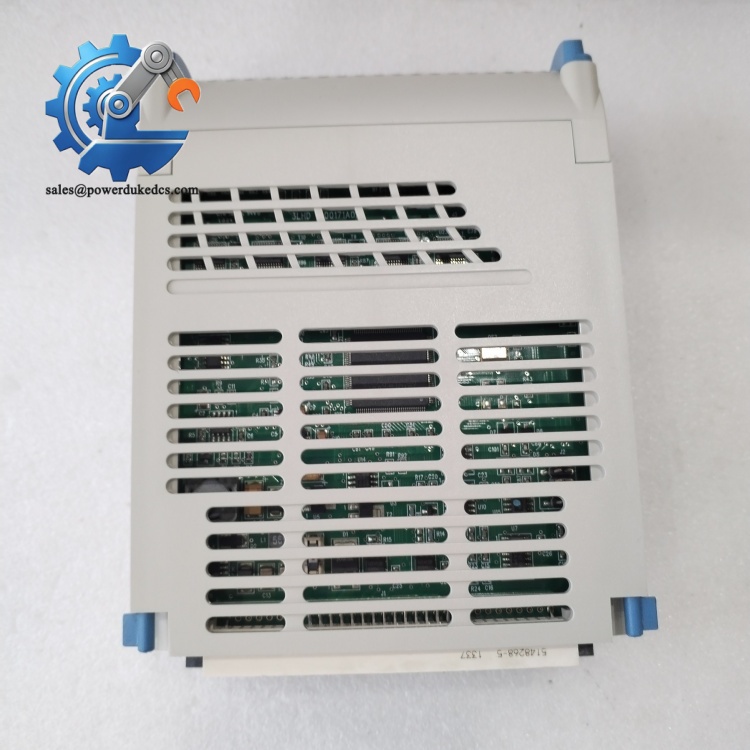
Emerson 5X00790G01
Phase 3: Install New 5X00790G01 (Estimated 15 minutes)
- Wear anti-static wrist strap before opening anti-static packaging.
- Verify full part number: 5X00790G01. Confirm hardware variant matches site configuration.
- Align the controller with the designated rack slot, push steadily until fully locked onto the backplane.
- Secure side latches to fix the module in position.
- Reconnect Ethernet cables following photographed routing.
Pre-power checklist: [ ] Controller fully seated and latched inside rack slot [ ] No bent pins on rack backplane connector [ ] Ethernet cables inserted into correct E1/E2 ports [ ] No loose metal debris inside rack cabinet
Phase 4: Power-On & Function Test (Estimated 30 minutes)
Pre-power inspection: Check AC power wiring and confirm no short circuit on supply terminals.
Power-up sequence:
- Energize rack power supply.
- Observe front panel LEDs. Wait for boot sequence to finish (typically 3–6 minutes).
- Connect Ovation engineering workstation, scan control network and locate the new controller.
- Match firmware revision to site standard; upgrade or downgrade firmware if required.
- Download backed-up control logic and parameter database to the controller.
- Switch controller to run mode; verify all I/O signal acquisition and loop output action.
- Maintain continuous running over 30 minutes. Monitor network status and check for intermittent fault alarms.
Troubleshooting hints:
- Controller cannot boot → Verify AC power input and backplane contact
- Network communication failure → Check IP scheme, subnet settings and switch port configuration
- Control loops stop executing → Confirm complete program download without compilation errors
Frequently Asked Questions (FAQ)
- Can I hot swap 5X00790G01 while the DCS rack stays powered? Hot swap is supported only when deployed as redundant controller pairs. If you operate a single controller setup, shutdown the rack and cut power before replacement. Live removal will stop all control functions.
- Can this OCC100 controller replace older Ovation controller models directly? Physical rack fit is compatible, but you must check firmware compatibility. Older control databases may require project conversion before downloading. We have met field cases where direct program download causes startup faults.
- Does the 5X00790G01 support redundant network configuration? Yes. Dual Ethernet ports allow setup of primary and standby network paths to avoid communication loss during single network failure. Proper IP addressing and switch architecture are required.
- What happens if firmware revision mismatches after replacement? Mismatched firmware leads to tag loading errors, I/O communication interruptions or random controller restarts. Always align firmware version with the rest of your Ovation system.
- Will replacing the controller cause bump-less transfer for active control loops? For redundant controller pairs, bump-less switchover works if configuration and program are fully synchronized. Single controller racks will experience loop interruption during replacement.
- Can the OCC100 connect to third-party devices via Modbus TCP? It supports Modbus TCP client and server functions. Additional configuration logic is required inside the Ovation control program to map external device data to internal tags.
- What warranty coverage is available for this spare controller? We provide 12-month warranty after shipment. Every unit undergoes full power-on and communication bench testing. Test screenshots or video records can be provided upon request.



 Start Chat


