

Description
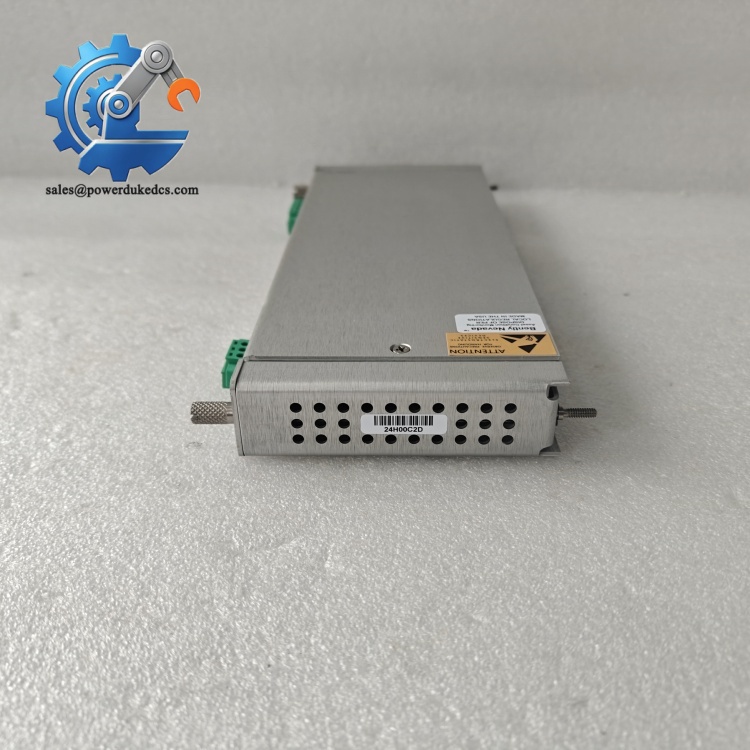
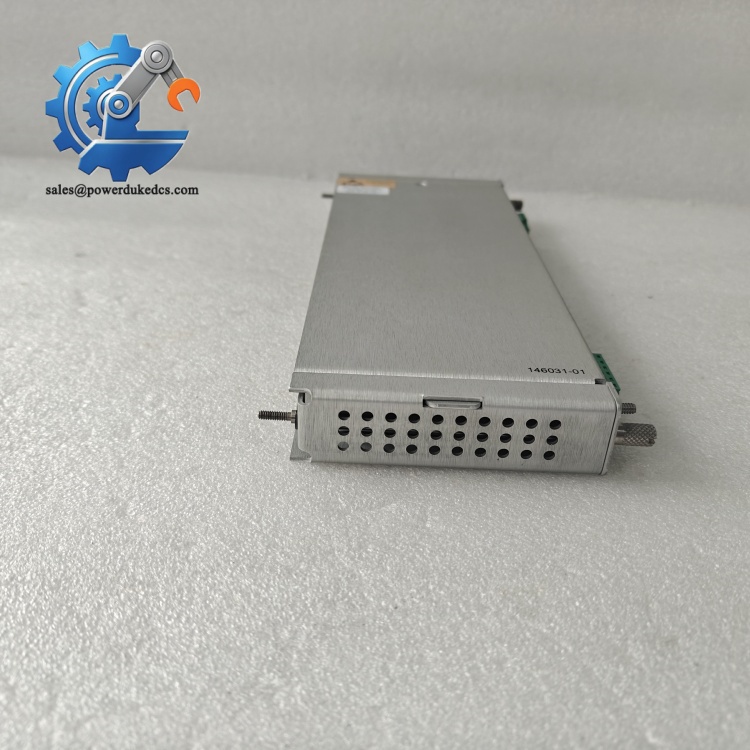
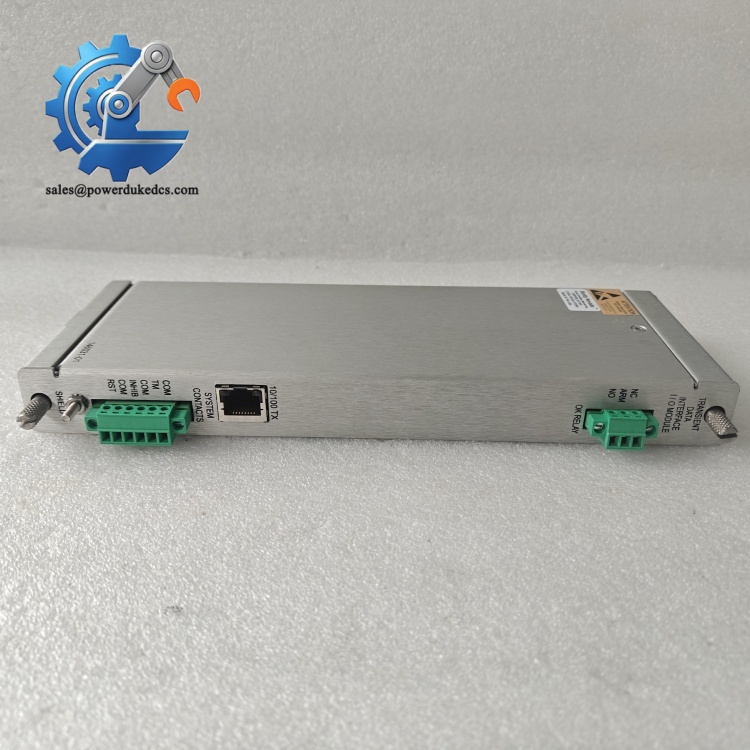
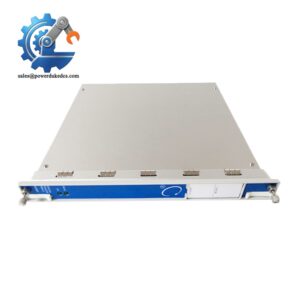
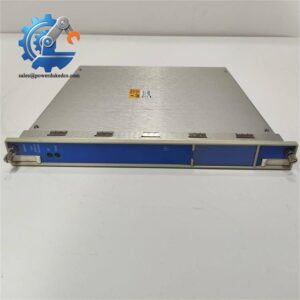
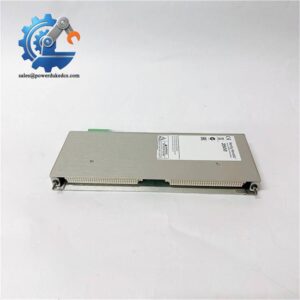
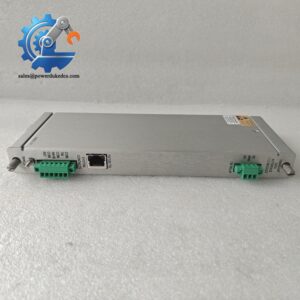
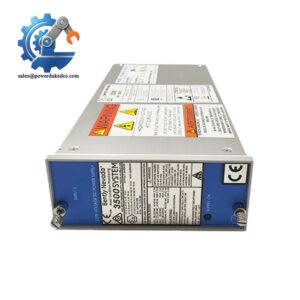
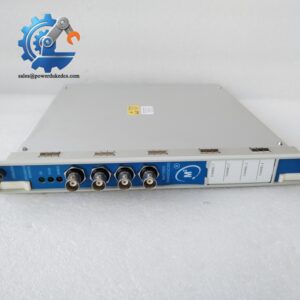
- Bently Nevada 3500/22M 146031-01 | Genuine Backplane Module for Machinery Vibration Monitoring
Product Core Brief
- Model: 3500/22M 146031-01
- Brand: Bently Nevada
- Series: 3500 Machinery Monitoring System
- Core Function: Rear-mounted I/O board supporting Ethernet communication for 3500/22M TDI
- Type: Transient Data Interface Backplane I/O Module
- Key Specs: 10/100BASE-TX auto-negotiation, IEEE 802.3 compliant, Works with Slot 1 TDI card
- Condition: New Surplus, tested fully functional ⚠️ Original equipment phase-out, limited available inventory
Product Introduction
When turbine and compressor condition monitoring racks lose external communication, the 146031-01 directly determines whether waveform and transient vibration data can upload to System 1 software. This card is the rear I/O accessory matched exclusively for Bently Nevada 3500/22M TDI.
It combines rack interface signal routing and physical network access. Unlike front-panel circuits, this backplane module handles all RJ45 Ethernet traffic between the TDI mainboard and plant monitoring servers. It consumes low power and will not interfere with the safety protection loop of the 3500 rack. Continuous site feedback shows stable transmission under strong electromagnetic interference in petrochemical and power plants.
Key Technical Specifications
| Parameter | Details |
|---|---|
| Full Model | 3500/22M 146031-01 |
| Matching Host Card | 3500/22M Transient Data Interface (Installed in Rack Slot 1) |
| Network Standard | 10BASE-T / 100BASE-TX, Auto MDI/MDIX |
| Protocol Compliance | IEEE 802.3, TCP/IP, Modbus TCP compatible |
| Power Consumption | Matches 3500/22M system, total 10.5 W for full TDI assembly |
| Operating Temperature | -30 °C ~ +65 °C |
| Storage Temperature | -40 °C ~ +85 °C |
| Humidity | 5% ~ 95%, non-condensing |
| Installation Position | Rear side of 3500/22M front module |
| Main Function | Physical Ethernet interface, transient waveform data transmission, rack configuration upload/download |
| OK Relay Rating | 5 A @ 24 Vdc / 120 Vac |
| Application Scenarios | Steam turbines, centrifugal compressors, large blowers vibration monitoring |
Bently Nevada 3500/22M 146031-01
Installation & Configuration Guide
Phase 1: Pre-Installation (Estimated 10 minutes)
⚠️ Safety Reminders:
- Coordinate with operation team and confirm planned shutdown window.
- Switch all machine protection logic to safe status.
- Cut off the whole 3500 rack power supply, including redundant UPS.
- Wait minimum 5 minutes for internal capacitors to discharge completely.
Tools you need:
- Anti-static wrist strap + anti-static mat
- PH1 screwdriver
- Digital multimeter
- Mobile phone for photo recording
- Network cable tester
Backup work:
- Export complete rack configuration file and save to local storage.
- Take clear photos of network wiring, IP settings, and module assembly status.
Bently Nevada 3500/22M 146031-01
Phase 2: Remove Original Module (Estimated 15 minutes)
- Unplug RJ45 network cable from the rear I/O module.
- Loosen the two captive screws on the rear panel.
- Separate 146031-01 backplane board slowly from the front 3500/22M TDI unit. Do not bend the internal connector pins.
- Inspect connector surface: remove dust with dry compressed air. Do not touch gold contacts directly.
Note: Keep the old module label with serial number for maintenance records.
Phase 3: Install New 146031-01 (Estimated 12 minutes)
- Wear anti-static gear before opening anti-static packaging.
- Double-check part number matches: 146031-01. Wrong variants cannot communicate normally.
- Align internal male/female connectors, push steadily until the board fits flush with the front TDI module.
- Tighten captive mounting screws evenly. Do not over-torque.
- Restore network cable connection.
Pre-power checklist: [ ] Module fully locked to front TDI card [ ] Connector pins without bending [ ] Network cable properly inserted [ ] No loose metal scraps inside the rack
Phase 4: Power-On & Function Test (Estimated 20 minutes)
Pre-power inspection: Measure rack 24 V DC power, confirm voltage fluctuation within ±10%. Check no short circuit between power terminals.
Power-up sequence:
- Energize the 3500 rack first, do not start machine auxiliary equipment temporarily.
- Observe front panel LEDs of 3500/22M: OK light steady on means hardware initialization completes.
- Connect configuration software, scan network and find the rack address.
- Verify IP address consistent with original settings.
- Establish connection to System 1 server, check real-time steady-state data uploading.
- Trigger transient data capture test, confirm vibration waveform can be transmitted completely.
Long-run verification: Keep system running for more than 30 minutes. Monitor communication status without intermittent disconnection. Write down replacement time and new serial number into equipment maintenance log.
Troubleshooting hints:
- No network link → Check RJ45 cable and switch port
- Data cannot upload → Verify IP subnet and firewall rules
- Module constantly reports error → Confirm firmware compatibility between rack and TDI assembly
Bently Nevada 3500/22M 146031-01
Frequently Asked Questions (FAQ)
- Can I use 146031-01 with other 3500 series modules besides 3500/22M? No. This I/O backplane is exclusively matched for 3500/22M TDI front module. It cannot work with 3500/20 RIM or other monitor cards.
- Will machine protection stop working if this module fails? It will not affect protection functions. The TDI communication channel stays outside the critical safety loop. Vibration alarm and trip logic still operate normally, only remote data transmission gets interrupted.
- Does direct replacement require firmware re-download? Under most circumstances, direct swap works without reconfiguration. Still, we recommend checking the rack firmware revision. We have met cases where mismatched firmware leads to unstable Ethernet communication.
- Is hot swapping supported for 146031-01? Not recommended. Though the protection loop remains active, removing the backplane card will cut off data communication instantly. Unexpected communication interrupt may trigger abnormal alarms on upper monitoring platform. Perform replacement during planned shutdown.
- What is the difference between 146031-01 and 288055-01? They are different revision variants of 3500/22M rear I/O boards. Hardware interfaces look similar, but internal firmware partitions differ. Cross-model replacement usually causes communication failure. Order according to the original part number on site.
- What warranty can you provide for this spare module? We offer 12-month warranty after shipment. Every unit passes complete bench testing before delivery. We can provide test photos or video upon request.
- Can this module transmit high-speed transient vibration waveform? Yes. When paired with licensed 3500/22M TDI, it supports transmission of start-up, coast-down and fault trigger transient waveform data to System 1 diagnostic software. Static parameter collection works without extra license.



 Start Chat


